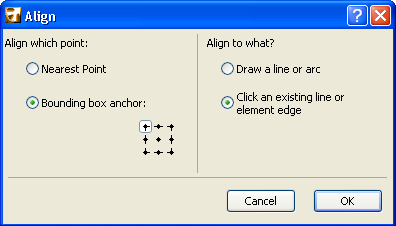
The options in Edit > Align > Special Align give you great flexibility in lining up selected elements. You can choose which point to align, and you can choose what to align the elements to: a temporary line/arc drawn by you, or any existing line/edge.
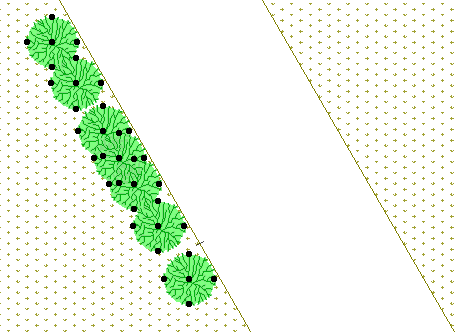
In this example, we wish to align the selected tree objects to the edge of the garden path.
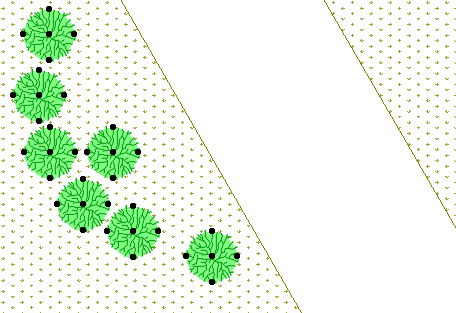
Go to Edit > Align > Special Align and choose the Nearest Point option: each tree will line up along the path using each tree’s bounding box point that falls closest to the path.
Choose the Click an existing line or element edge option.
Click OK to close the dialog box, then click the edge of the path (here, the edge of the mesh). The trees line up along the path.