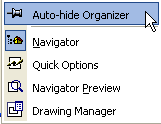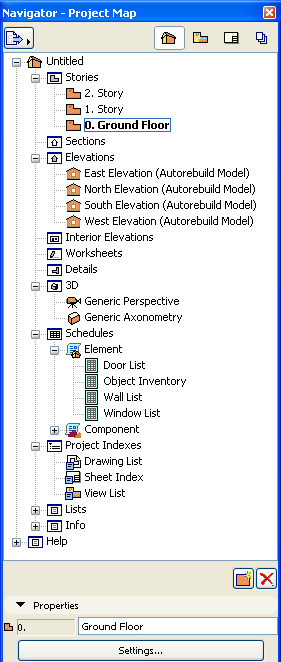
The Navigator is displayed by default.
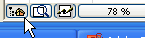
If it is hidden, choose Window > Palettes > Navigator, or click the Navigator icon from the horizontal scrollbar at the bottom of the ArchiCAD screen.
Auto-Hide the Navigator
Both Navigator and Organizer Palettes have an Auto-Hide feature: if you turn this on, you can use the Navigator/Organizer as usual, but once you click outside the palette, it will disappear.
The Auto-Hide command is found in the Navigator/Organizer palette’s context menu (right-click in the gray area at the top of either palette.)