Using the Navigator to Open Project Windows
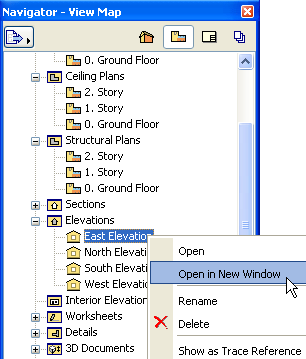
Double-click the desired item from any map of the Navigator.
By default, ArchiCAD will open the item in existing windows, replacing the previous view in that window. To open a new view in a new window instead, use the context menu command from the Navigator item to be opened.
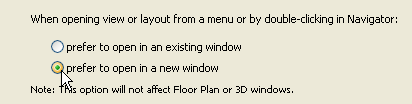
If you would rather open a new window by default each time you open an additional view or layout (from a menu or by double-clicking in the Navigator), change the window-opening default preference in Options > Work Environment > More Options.