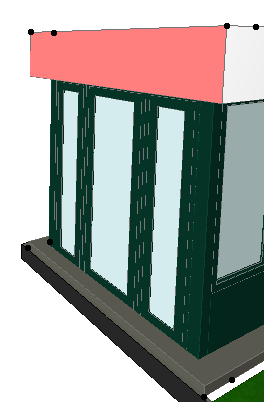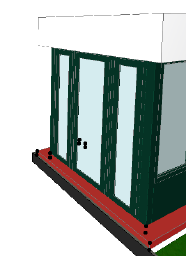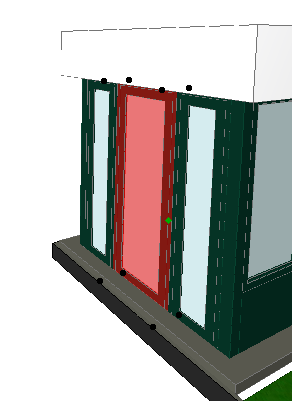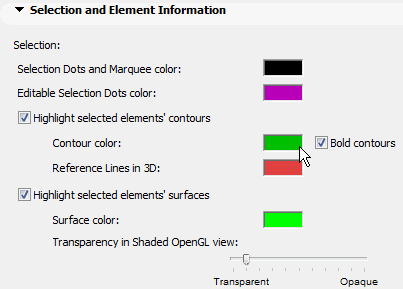
Selected elements will be shown with a distinguishing highlight, in addition to selection dots. Selection highlight color (for both element surfaces and their contours) are configurable in Options > Work Environment > Selection and Element Information, or you can turn off selection highlights altogether.
See Selection and Element Information.
Even if you leave the Selection Highlight function on, you may want to disable it temporarily - for example, if you want to see the actual display colors of lines and fills. To suspend Selection highlight, use the Ctrl/Alt + spacebar shortcut.
Note: Surface highlights in 3D are available only when using the OpenGL 3D engine.