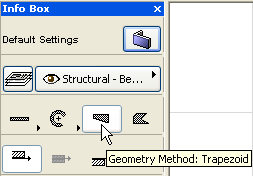
The Trapezoid or Non-Parallel method allows you to draw straight Walls whose thickness is not constant.
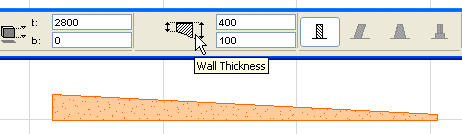
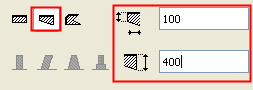
You draw this type of Wall as a straight Wall, except that you will first enter the thickness of the Wall at its two endpoints, using the Wall Thickness fields in the Info Box or in Wall Settings.
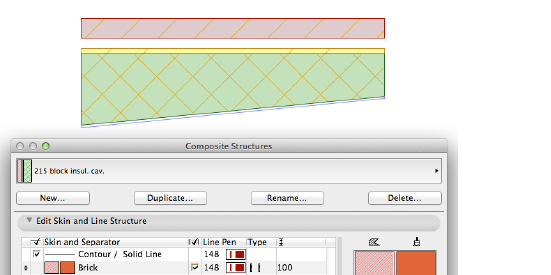
When drawing a trapezoid Wall with a composite fill, only the outermost Core skin’s thickness reflects the trapezoidal shape of the Wall. In the image below, two of the skins are marked as Core, but only the Insulation core skin - the outermost Core - has a trapezoid shape.
See also Reference Line of a Trapezoid Wall.
See also Composite Structures.