Interior Elevations and Zone Shape
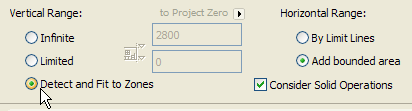
If you want the Interior Elevation to correspond to a zone, choose the Detect and Fit to Zones Vertical Range option from the General Panel of Interior Elevation Settings.
If a zone is detected, its height will be used as the vertical range of the selected Interior Elevation viewpoint.
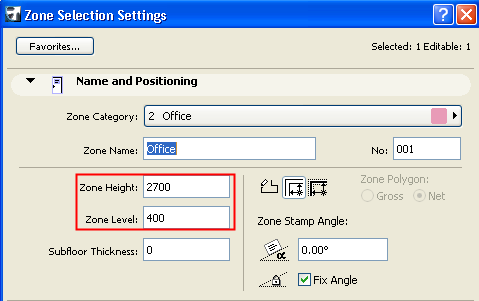
Note: The zone’s height is the difference between its Level value and its Height value as set in Zone Settings):
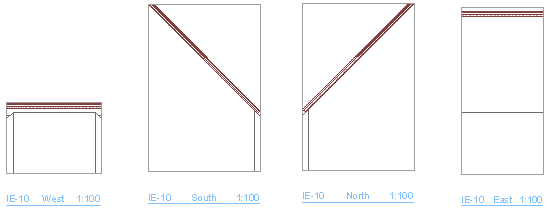
Zones edited by Solid Element Operations are also calculated accurately, provided that you also check the Consider Solid Operations box. For example, a single zone trimmed to a slanted roof will have several different zone heights. These are accurately reflected in each viewpoint of the Interior Elevation group.