Display of Elements in Interior Elevation
Use the Model Display controls in Interior Elevation Settings to define the appearance of cut and uncut elements in the view.
See Interior Elevation Model Display Panel.
These options are largely identical to those in the Model Display panel of Section Settings.
See also Model Display in the Section Window.
Interior Elevations do not have a “Marked Distant Area” display option.
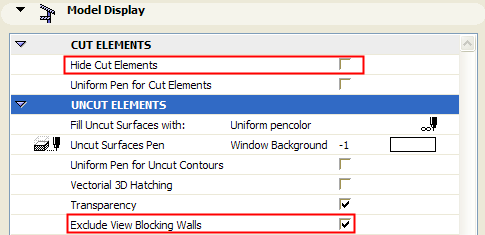
Two special display options are available for the display of cut elements in Interior Elevations:
Exclude View Blocking Walls: If this option is checked, any intervening walls which “block the view” in the Interior Elevation will not be displayed.
Hide Cut Elements: If this option is checked, elements that are cut by the Interior Elevation Line will not be displayed.