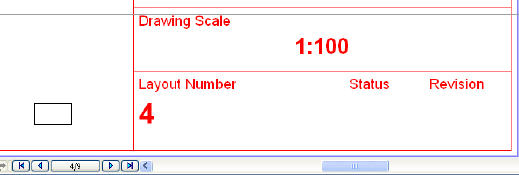
The simplest way to number your Layouts is to number each layout sequentially, like the pages in a book. To do this, you do not need to consider Layout IDs; just place an Autotext for “Layout Number” in the Master Layout. The Layout Number is a number assigned to each layout in the order it is created; it is shown at the bottom of your Layout Window. Through the Autotext, this number will appear on each Layout.
However, if you want to use a “smart” numbering system that accounts for adding and removing Layouts in the Layout Book hierarchy, you should use the Automatic Layout ID Assignment logic.