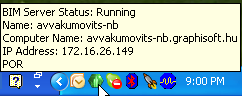
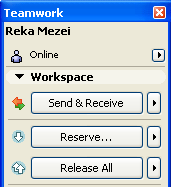
The BIM Server Control Center icon and the top of the Teamwork Palette indicate your online status:
The client machine must be online to use the following Teamwork functions:
•Reserve
•Send and Receive
•Messaging
If the client is offline, interface items relating to these functions will be grayed.
You can, if desired, work in “Offline” mode even if you have access to the BIM Server. To do this, do one of the following:
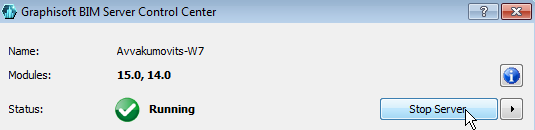
•Click “Stop Server” from the BIM Server Control Center.
•Click “Work Offline” from the pop-up arrow at the top of the Teamwork Palette.
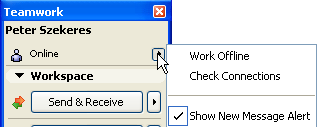
Click this command once more to go online again.
Note: If you are working in “Detached mode,” you cannot be online.