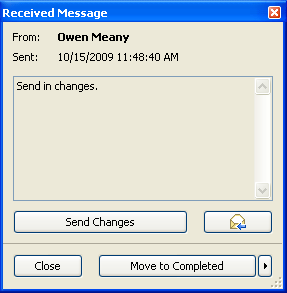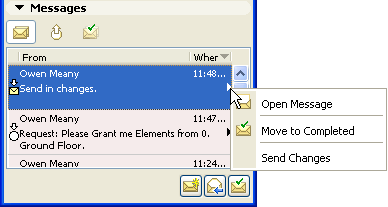
To view a new message and related options, do one of the following:
•click on the “fly-over” message notification
•click the pop-up of the new message in your To-Do list, and choose one of the options:
If the sender has included a Task as part of the message, the related command is shown here: click if you want to complete the Task.
The same options are available if you open the message.