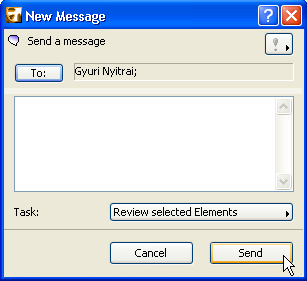
If you want to discuss certain element(s) with a fellow user, it often easiest to ask them to take a look. In Teamwork, this is easy:
1.Select the element(s) in question.
2.From the context menu, choose “Ask for Review.”
3.Enter recipient name(s).
4.The “Review Selected Elements” task is automatically included in the message. Click Send.
The recipient simply clicks “Show” to see the elements under review.