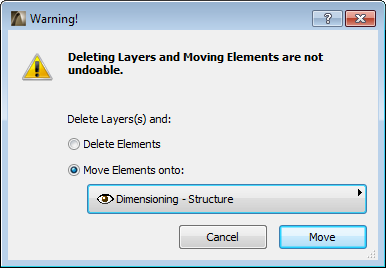
After migration to ArchiCAD 17, using file merge or working with hotlinks, you may need to get rid of the unneeded attributes (e.g. layers, line types, fill types). A new workflow for attribute management helps save you time and prevent costly mistakes, allowing you to safely delete and replace attributes:
•Delete and Replace: When you delete an attribute, define which attribute should replace it throughout your model - in one step (available for Building Materials, Line Types, Fill Types, Composites, Profiles, Surfaces, Zone Categories)
•Delete Layers and Move Elements: If you delete a layer, you now have the option to move its elements onto a different layer (instead of losing those elements forever)