Automatic Model-Based Junctions
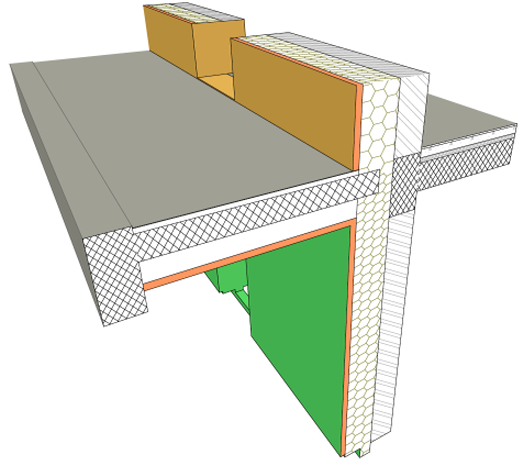
Ability to configure all construction elements so that when they intersect or collide, their display accurately and automatically reflects their construction - particularly in section views, used as the basis for detail drawings. Most of the junctions of a section will look correct up to 1:50 scale.
Priority-Based Connections Available for All Construction Elements
•Extend priority-based connections (formerly available only for walls on the floor plan and to a limited degree in section) to all construction elements and composites, and column/beam profiles, in all model views, via the Building Material. Separate intersection priorities can be set for column veneer and core.
•A revised interface simplifies these priority settings to make their input easier and the results more predictable.
Other Improvements for Better Intersections
•Eliminate common contour lines where construction elements meet, subject to Building Material
•Represent the T/L/X connections between walls based on their actual skin/component based connections.
See Specific Element Intersections and Junctions.
•Symbolic representation of connections of any (normal/profiled) vertical columns and non-polygon walls on Floor Plan
•Improved dimensioning of structural components in section view - e.g. place dimensions at contour lines or separator lines, or at boundaries of core/finish skins
•More flexibility for displaying cut surfaces in Section views (consistent with 3D Document)
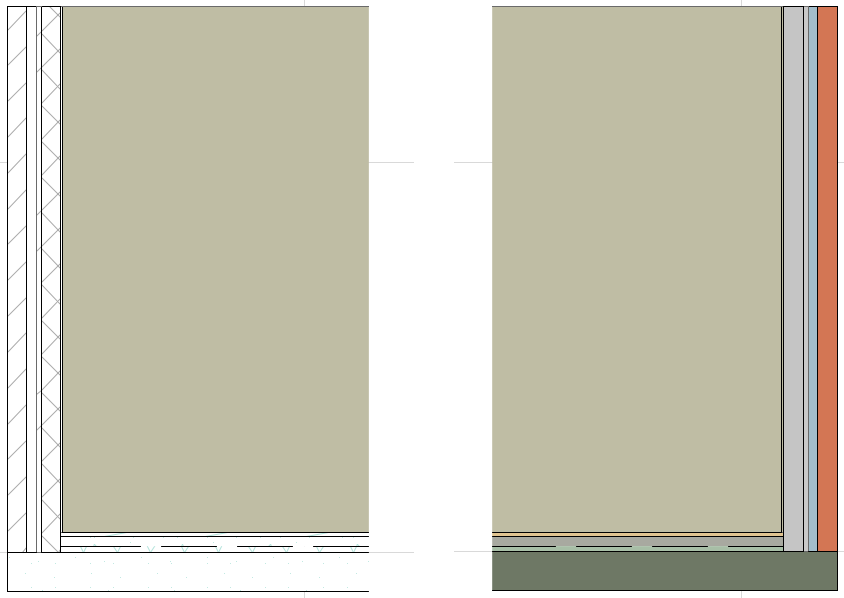
•Snap to composite separator or any visible edge in 3D as well as Floor Plan
•View results of skin-based connections in 3D
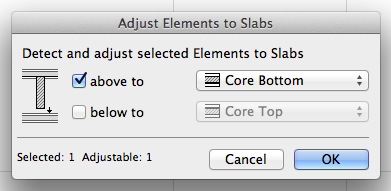
•Helping modeling interactions for Junctions: better manual editing options and new automated junction command from the Edit menu: Adjust Elements to Slabs