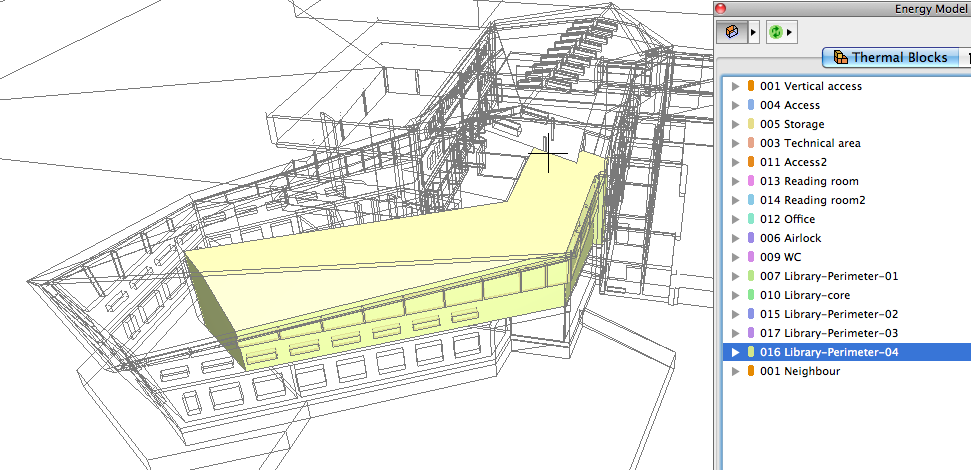
Easy Creation and Visualization of Thermal Blocks
A project’s Thermal Blocks are defined by the user; their geometry consists of one or more ArchiCAD zones. Each Thermal Block (e.g. Stairwell, Office, Basement, Technical Area) typically has its own energy characteristics and needs.
•Define thermal blocks by drag-and-dropping ArchiCAD zones from the model window into the Thermal Block list
•New Thermal Blocks page of the Model Review Palette lists thermal blocks with all their relevant properties
•Highlight the list entries to visualize Thermal Block geometry directly in the ArchiCAD model