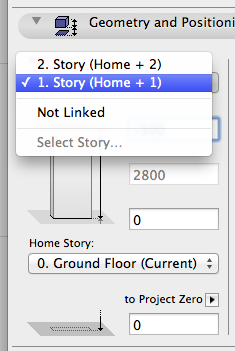
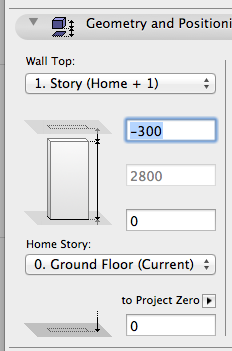
Link Element Height to Stories
Enable the height of walls, columns and zones to be linked to a particular story: when the story position changes, the heights of the linked elements are automatically adjusted. This way, you do not have to manually adjust element heights every time the story height changes.
See Define Top Link for Wall, Column or Zone.
•Use a built-in Find and Select criteria set to locate any inverted elements (e.g. with a negative height) with a single click. Such elements are also highlighted on the plan for easy locating.
See Inverted Elements.
•You still have the option to input a fixed height, and to define a base elevation to a given reference level
•Option to retain or ignore toplinks in Hotlinked Modules
•Door/Window sills and headers can be linked to the top of the wall, not just to the bottom