General door/window developments
Improved Placement of Doors/Windows
•As part of the improved workflow for Door/Window placement, the Opening Direction parameter has been eliminated: new feedback clarifies the inside/outside and reveal side parameters
•Door/Window Marker functions are more consistent
•Opening Orientation is shown correctly in schedules
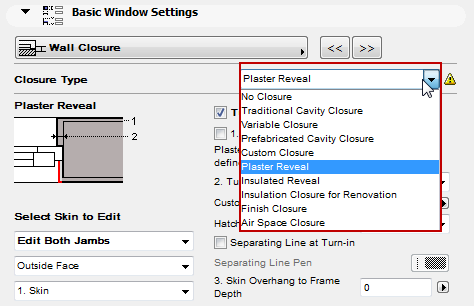
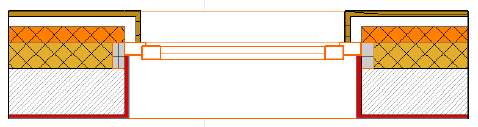
New closure types
Predefined options for common closure types.
Note: Closures are displayed in Floor Plan. Closure types are generated correctly only if they are placed in a composite Wall with a proper skin composition.
•Variable Cavity Closure
•Plaster Reveal
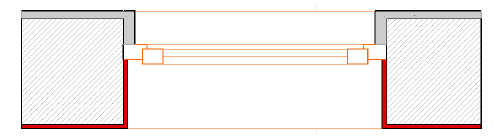
•Insulated Reveal

•Insulation Closure for Renovation
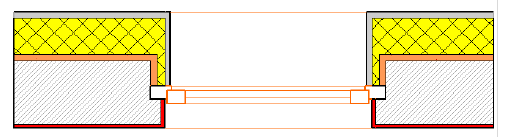
•Finish Closure
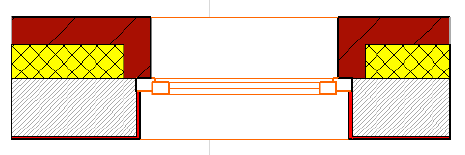
•Air Space Closure
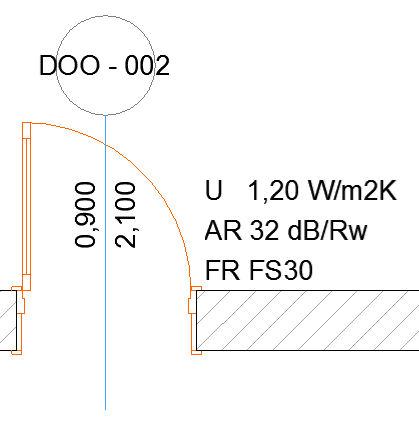
Better Documentation of Openings
•Doors and windows calculate and schedule their glazed surfaces (considering default material settings)
•Markers and stamps can read and display U-values defined by the opening’s listing parameters
Sill and Threshold Improvements -> DACH only
•New threshold types in doors:
•Normal
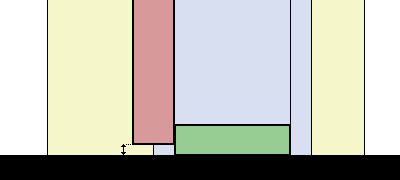
•Up to Door Panel
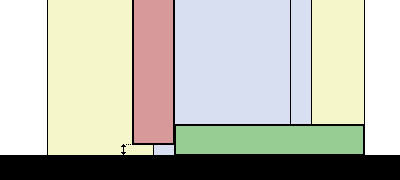
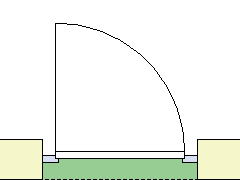
•Underneath Door Panel 1
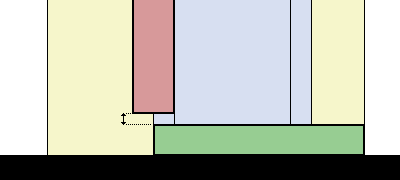
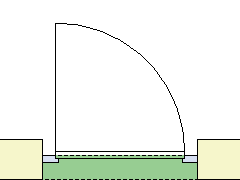
•Underneath Door Panel 2

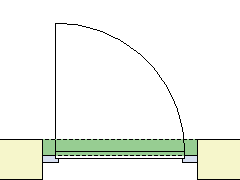
•Threshold Thickness = Wall Thickness
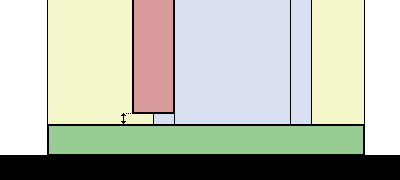
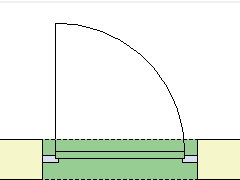
•Set gap between door leaf and threshold (gap affects door leaf height)
•Blind threshold available with each threshold type
•Flooring thickness can be defined in windows
•Sill is available in Terrace Doors
Casing representation -> NOR only
Casing is not shown in 1:50 or smaller scale