The User Origin is the place at which element input begins. By default, the User Origin is located at the Project Origin.
There are two ways to move the User Origin:
•At any node by using the keyboard. Hold down both the Alt and Shift keys (MacOS: Opt + Shift) and move the cursor to the construction node where you want the origin located.
•At any location by using the User Origin button from the Standard toolbar (or the Coordinates palette, if it is displayed).
Click the User Origin button, then click at any point in the window. The origin is instantly relocated there.
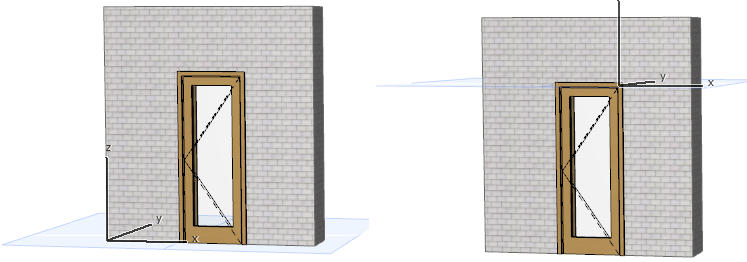
Now your new element input will begin at this newly set User Origin.
See also Editing Plane in 3D Window.
To return the User Origin to the Project Origin, double-click the User Origin button in the Standard Toolbar.