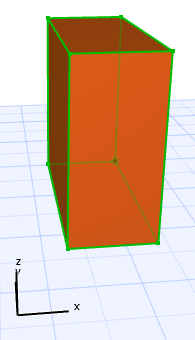
1.Select a Morph.
2.From any edge, bring up the Pet Palette and choose “Offset Edge.”
3.Drag the cursor, or choose a different editing plane. The Morph edge, plus its adjoining faces, will move along the chosen editing plane.
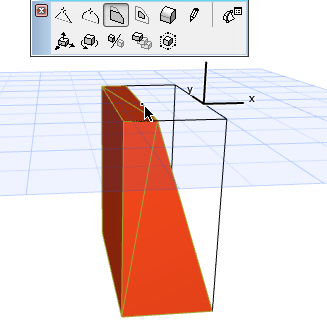
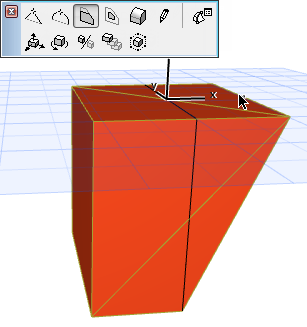
4.Click to complete.