Define a Schedule Using Scheme Settings
The contents of your Interactive Schedule are defined in the Scheme Settings dialog box. Here, you define (1) the criteria for selecting the items to be listed in the Schedule; and (2) the fields (i.e. the particular information about the chosen items) to be listed in the Schedule.
Choose the Document > Schedules and Lists > Schedules > Scheme Settings command from the menu;
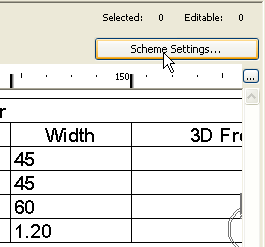
or the Scheme Settings button from the opened Schedule window.
.
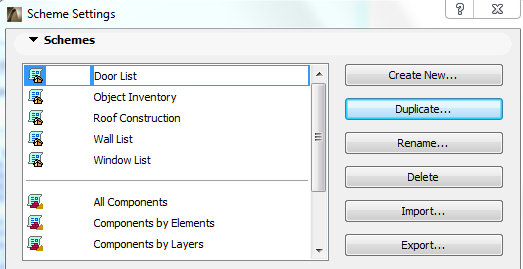
In the top Schemes Panel, choose the scheme you want to edit, or use the buttons at the right to create, rename, delete, import and export schemes.
For details, see Schemes Panel.
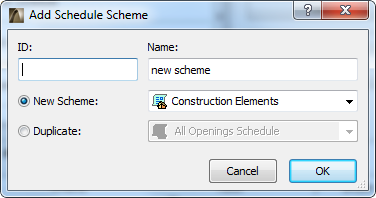
If you choose Create New, you must define whether the new Schedule will list data for Construction Elements, Components, or Surfaces:
Use the Criteria Panel of Scheme Settings to define the elements/components/surfaces to be listed in the schedule.
In the Fields Panel of Scheme Settings, choose which parameters of the chosen criteria should be displayed in your schedule.
See Schemes Fields Panel.