Add Multiple Labels to Any Element
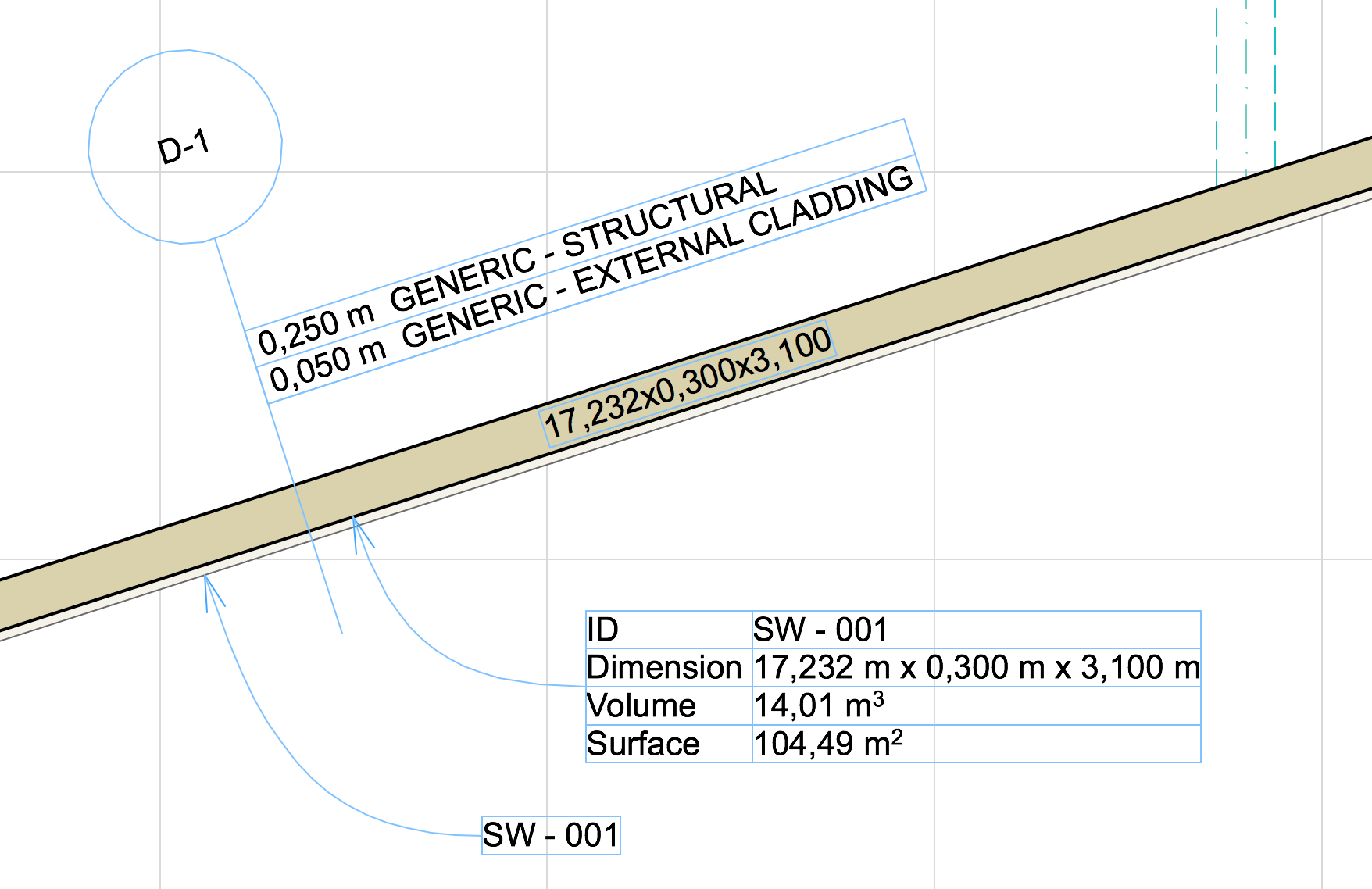
As of ARCHICAD 19, you can link any number of labels to each element - even elements in Hotlinked modules. This feature gives you much greater freedom to label any element as needed. For example:
•Label a single element with several properties - e.g., to show both “fire rating” and “ID” for the same Wall
•Place the same label several times along a long Wall
•Place the same label at different scales and in different sizes as needed
•On a multi-story element with varied geometry (such as a slanted Wall), place a label at a different position on each story
•Label elements of a Hotlinked Module within the host file
Easier Label Placement
Until now, you had to place associated labels using element settings, after setting a default label separately for each element type.
From now on, just use the Label tool: choose the desired Label type (which becomes the one single Label default, until you change it), then click any element. No need to open the labeled element’s dialog box.
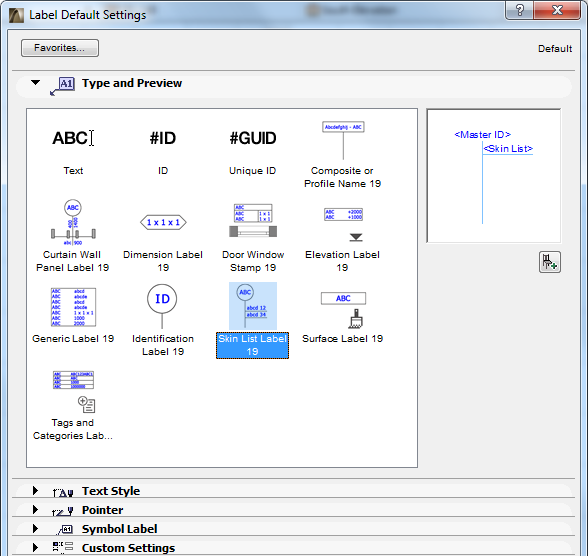
•Element highlight helps you label the right element
•Tab to switch among overlapping elements (including Curtain Wall sub-elements)
•Label multiple elements simultaneously, regardless of element type (using Document > Document Extras > Label Selected Elements). The current default label type is attached to all selected elements
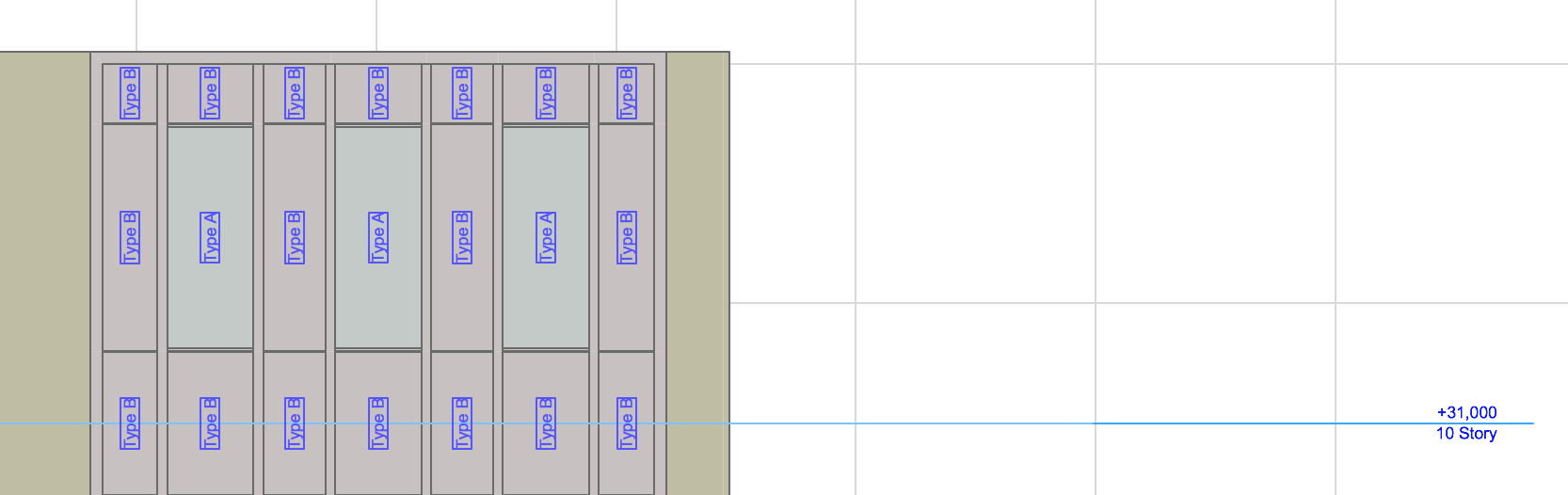
•Label Curtain Wall sub-elements directly
•New Inverted Pointer option for labeling in sections: e.g., for displaying the bottom elevation of suspended ceilings
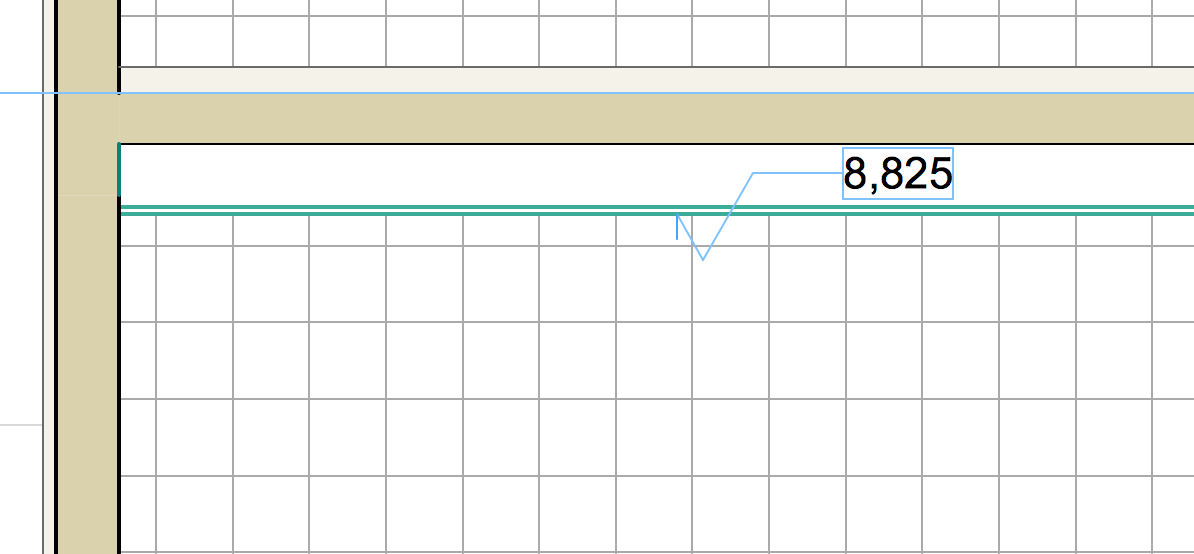
Smarter Editing of Labels and Pointers
•Select and drag several Labels simultaneously; Pointers are adjusted accordingly
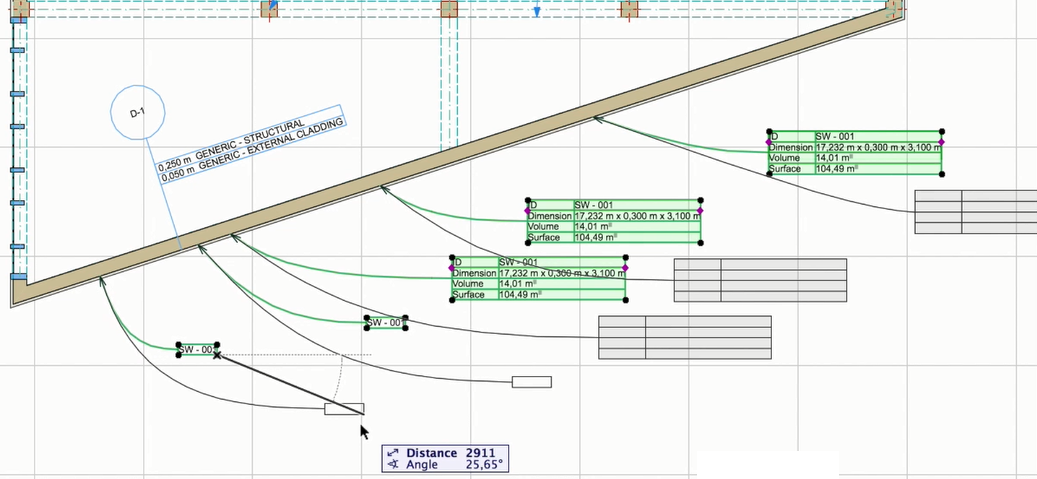
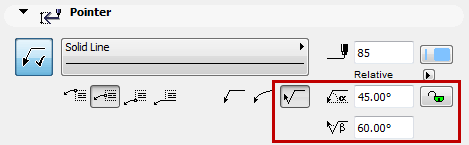
•Edit starting angle of all Pointer lines through Label Settings
•Lock starting angle of all Pointer Lines to ensure a consistent throughout documentation
•All graphical editing commands (e.g. Drag, Stretch) available for Pointer line (as for Pointers of Dimension texts)
•Turn Pointer on/off for all Labels of a given type (e.g. all ID labels)
New Label Objects
To fit the new Label workflow, the ARCHICAD 19 Library includes many new Label types.
See also New and Improved Label Types in this document.