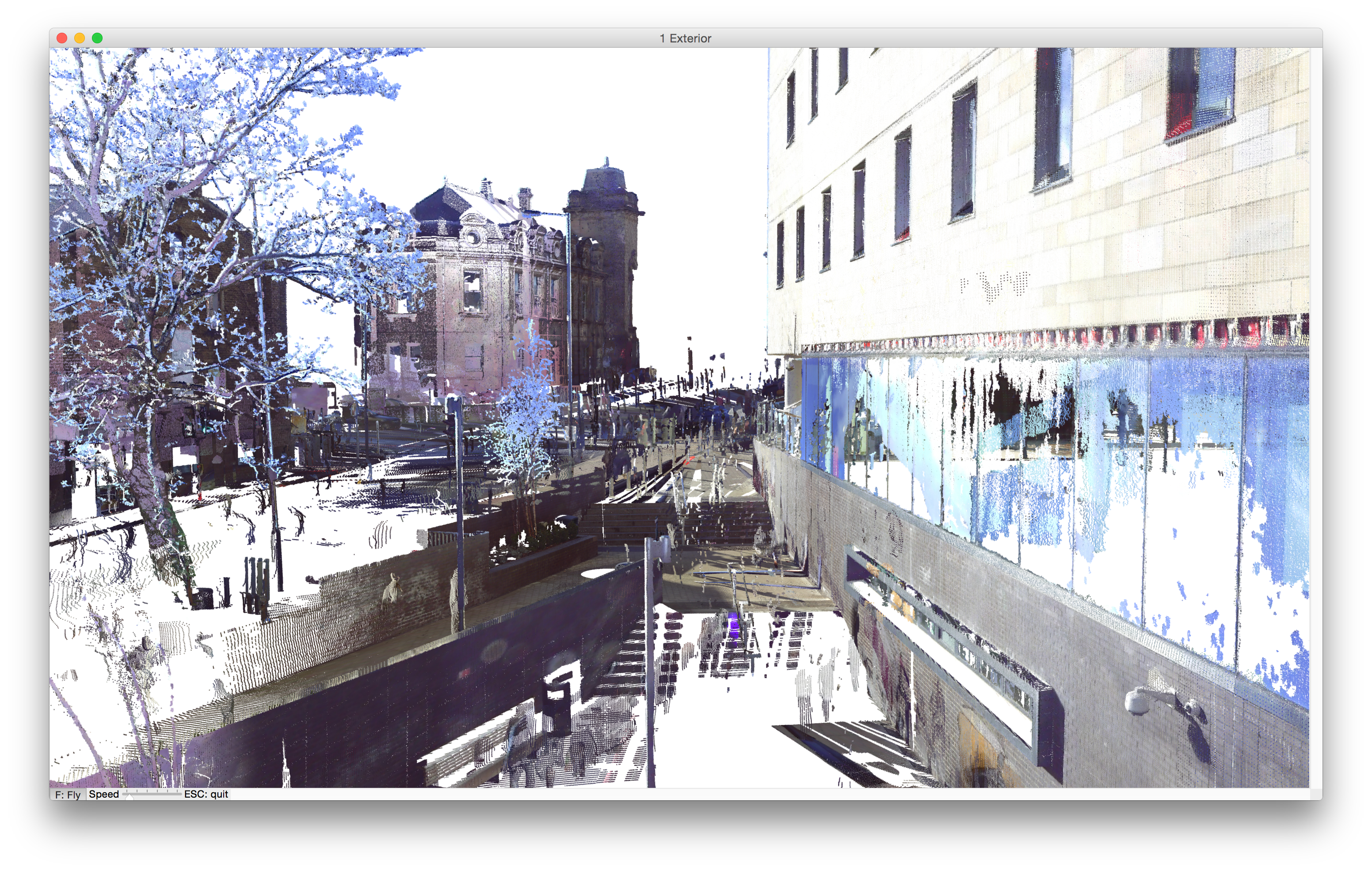
Projects involving renovation typically require digital modeling. For this purpose, 3D scanners generate point cloud files, such as a historic room interior with all its volutes and ornaments.
Now such point cloud files can be placed in your ARCHICAD model, for a smoother renovation workflow that is in tune with the BIM concept.
•Open .xyz and .e57 file formats and convert them into native GDL-like objects, which are placed, in the correct sizes and colors, on the Floor Plan or in the 3D window
•Snap to any point on the resulting object
•Align existing building model to point clouds
•Use point cloud as an aid when modeling a new building in ARCHICAD - no need to start drawing from scratch
Use the point cloud workflow to model existing buildings prior to renovation; surroundings and neighbor buildings, as an aid to visualization; or the “as-built” building, to detect any deviations from the planned state.
Image credit:
BAM Construct UK Ltd, www.bam.co.uk | FARO Technologies UK Ltd, www.faro.com
For more details, see Working with Point Clouds.