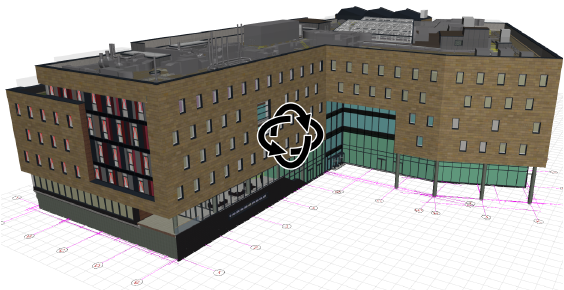
New Background Processing for Nearly Instant Model Views
With background processing, ARCHICAD 19 takes advantage of the processor’s unused capacity to build up different model views in advance. Background processing also utilizes your hardware more efficiently. Enjoy a smoother workflow and a lot of saved time!
•Open model windows (or tabs) are always kept up to date
•Much faster switching among 3D, 3D Document, Section/Elevation/IE-type views
•No waiting for rebuilds - if you open a view by mistake, you no longer have to wait for it to rebuild before switching to a different view
•Page through layouts that contain auto-rebuild drawings without delay
•See feedback on background processing in your status bar (click to suspend as needed)
•Work Environment option for Power Save mode: Suspend background processing feature if you’re using a battery-powered device
See also Background Updating in the ARCHICAD Reference Guide.
Optimized OpenGL Engine for Smoother, Faster Navigation
For working in 3D and for informal client presentations, most users turn to ARCHICAD’s built-in 3D window with the OpenGL engine. OpenGL provides fast navigation in 3D views that are always up to date, and allow co-design with the client.
•As of ARCHICAD 19, an optimized OpenGL engine means that 3D navigation will be smoother and faster, free from flickering, even with big models.
•Mac only: When using OpenGL in 2D views (and when the 2D Drawing Hardware Acceleration, in Work Environment, is On) - then editing and certain functions (such as Trace Reference) will be faster on computers using retina displays and dedicated graphics cards.