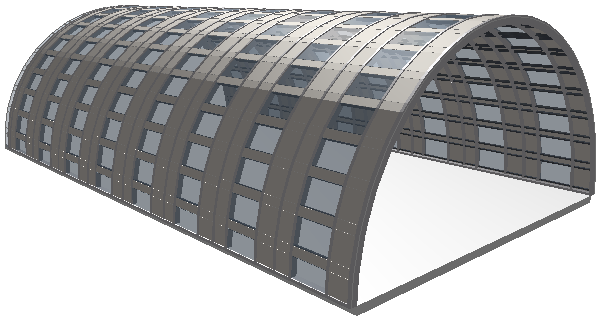
Create a Half-Cylinder Curtain Wall in the 3D Window
We will place a half-cylinder Curtain Wall on a slab in the 3D window.
1.Choose the Radius and Axis geometry method and the Horizontal Input plane method
2.Click on the slab to place a corresponding horizontal input plane.
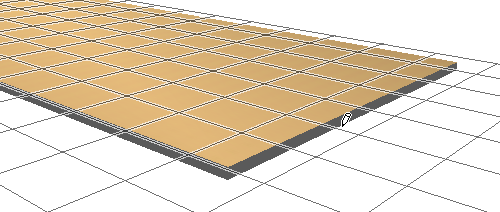
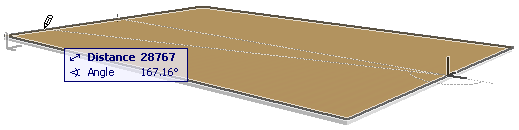
3.Locate the midpoint of the slab and click once: the axis of our half-cylinder will run through this point.
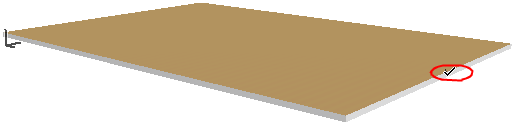
4.Hold down the mouse button and drag the cursor to the far end of the slab.
5.Click to define the half-cylinder’s radius. The feedback helps you visualize the structure.
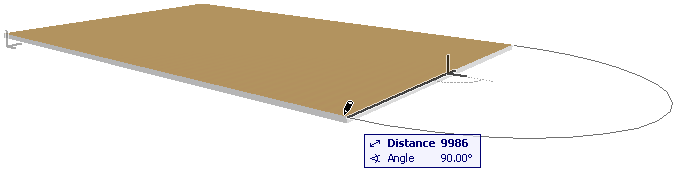
6.Move the cursor to define the extruded length of the Curtain Wall.
7.Click to complete the Curtain Wall.
See the result in 3D.