Edit Curtain Wall Reference Line
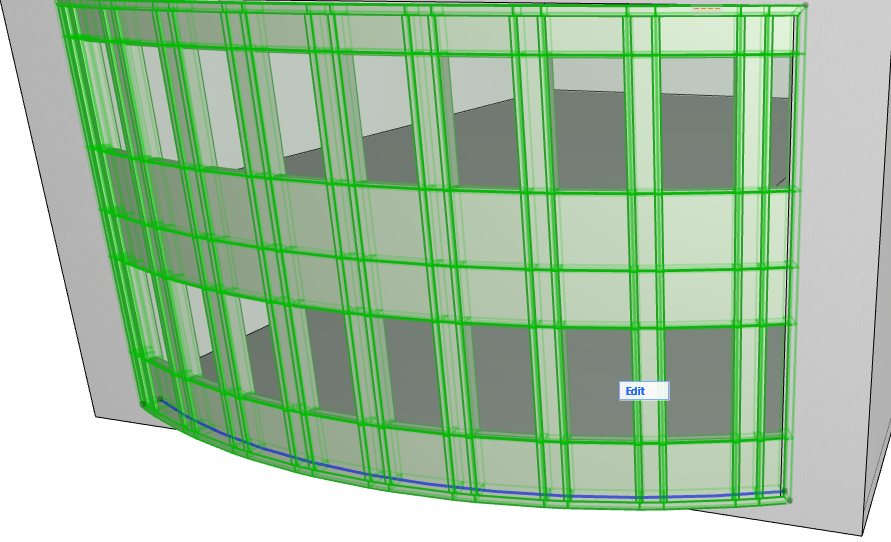
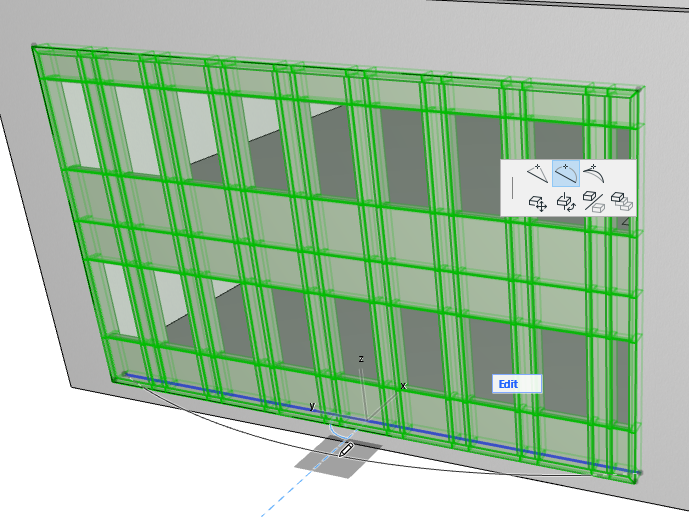
To edit the Curtain Wall Reference Line, select the Curtain Wall, then click the Reference Line to edit it.
You can only select and edit the Reference line if it is on a plane that is perpendicular to the model view.
(In Curtain Wall Edit mode, make sure that Scheme visibility in Edit mode is switched to On, since the Reference Line is part of the Scheme.)
Editing the Reference Line will change the shape of the Curtain Wall Base Surface. (Grid Lines, Boundary, Panels and Frames will be modified accordingly.)