Connection Settings (Toprail, Handrail, Rail)
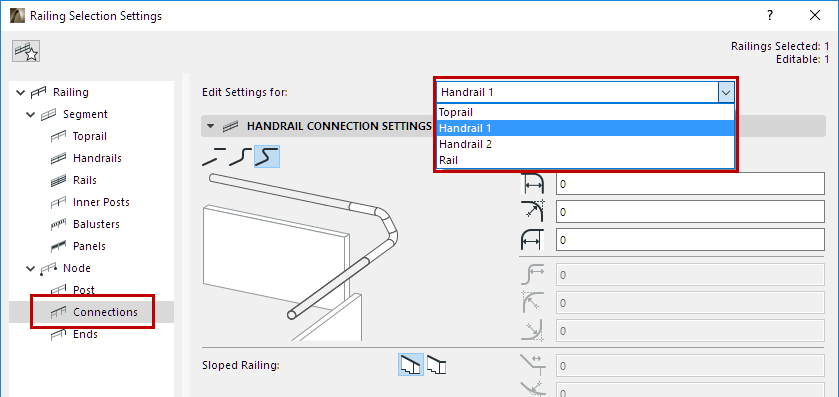
For each type of Rail (Toprail, Handrails, regular Rails), use these settings pages to define the geometry at connecting Segments, for each rail type.
You can display the connection segment using a different surface from the connecting rails (use the Override Surfaces control)
Rail Connection Types
Choose how to connect the selected Rail type between segments, using one of the three connection types:

•Disconnected: Rails of the adjoining segments will not connect. Add an optional extension (positive or negative) to each
•Gooseneck: Adjoining Rails are connected with a gooseneck consisting of horizontal and vertical parts.
In the editable fields on the right, set the extension (positive or negative) and fillet values for each part of the gooseneck connection.
Note that the preview highlights the part you are editing.

•Direct Connection: Connect the two adjoining rails by extending each one, then joining them together. In the editable fields on the right, set the extension (positive or negative) values, and a fillet value for the curved parts that curve off the horizontal parts.
Sloped Railing (Connection and End)
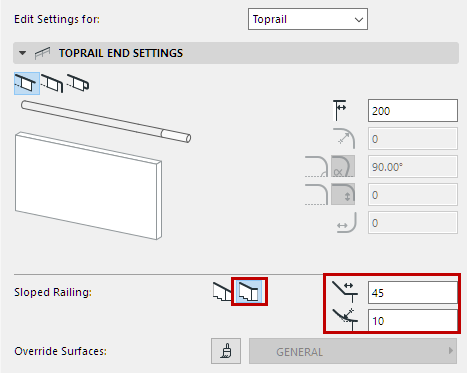
Use these options to add a horizontal segment where a sloped railing meets a horizontal turn.
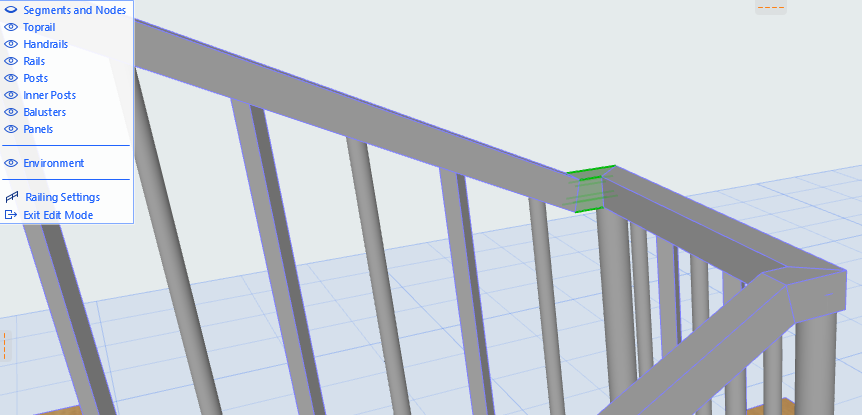
Enter the length of the added segment and an optional fillet.