Transforming Morphs: Cover with Faces
Use this command (Design > Modify Morph > Cover with Faces) to add faces onto an existing Morph.
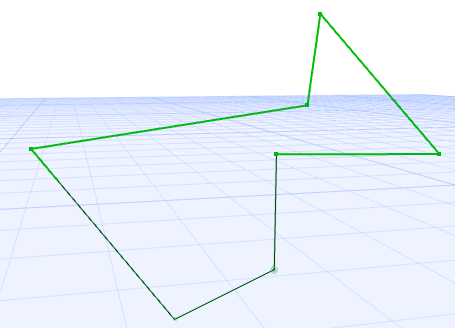
Select a Morph, or a series of Morph edges that form a closed polygon (this polygon can lie on any planes in space.
Use Design > Modify Morph > Cover with Faces.
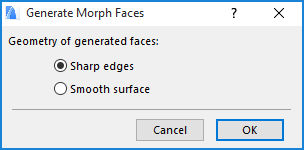
From the appearing dialog box, choose whether the new faces should be based on
•Sharp edges
•Smooth surface
On an entire Morph:
If you have closed holes in the Morph, faces are generated to cover these holes.
On a series of selected edges forming a polygon:
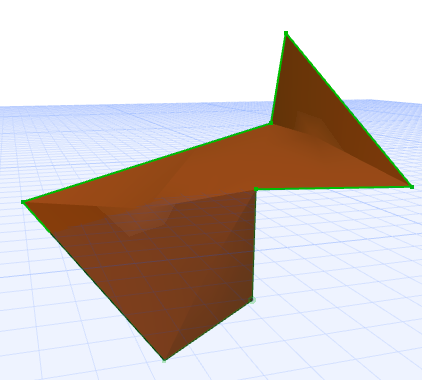
•A Morph face is generated.
While you can also use the Add command from the pet palette, the Generate Faces command is different because it works on any plane in space.
Watch the Video:
The Morph Tool - Conversion between Solid and Surface Morphs