
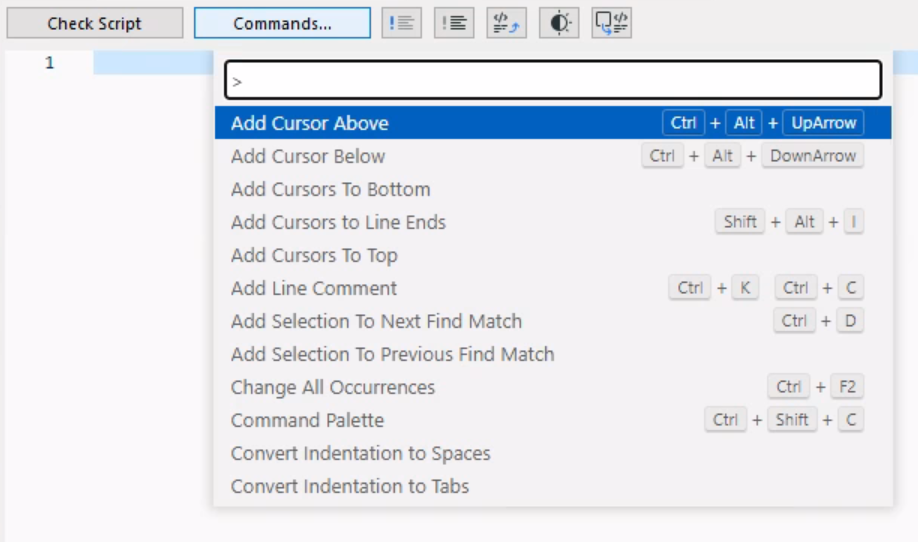
The scripting interface in Archicad’s GDL Editor window has gotten an overhaul, making life much more pleasant for content creators. Standard editing enhancements are now available, including
•Syntax highlight: Highlights code elements with different colors to make it easier to read and understand
•Auto-completion: Suggests code completions based on what you are typing
•Code folding: Collapse and expand sections of code for easier navigation
•Multiple cursors: Place multiple cursors, so you can edit multiple lines at the same time
•Auto-generate Script - Select element from Floorplan or 3D, click to generate its GDL script
•Find and replace
•Dark Mode
