Solid Fills include
•the Foreground Fill: You see only the Foreground, because it covers up the Background.
•the Background Fill: You see only the Background, because the Foreground is set to zero.
•Three fills whose foregrounds are of predefined Opacity (25%, 50%, 75%).
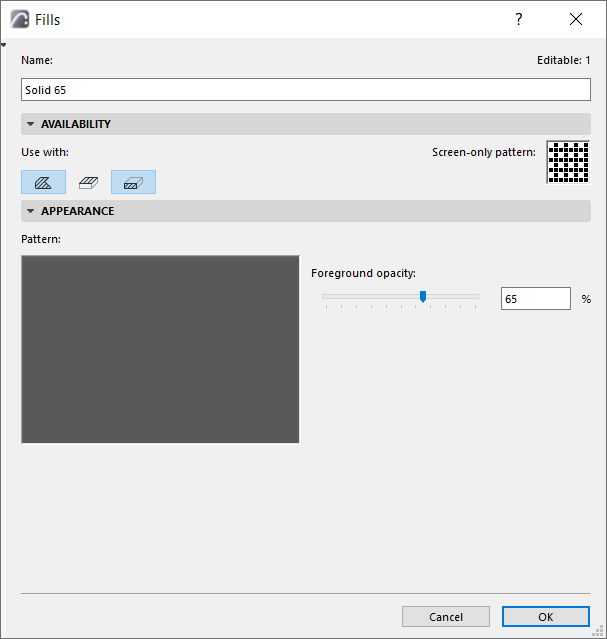
In the Fills Dialog Box (Options > Element Attributes > Fills), click New, and choose Solid fill from the New Fill dialog box.
Enter a name.
In the Appearance panel, enter a foreground opacity percentage (or use the slider) - in this case, 65.
View the result in the Preview window.