Doors, Windows, and Skylights in Design Options
If a Wall is part of a Design Option, its doors and window automatically belong to that same Option. For example, you can’t put a Wall into one Option and its windows into a different Option. (Similarly: In Teamwork, when reserving Walls, you also reserve their Windows.)
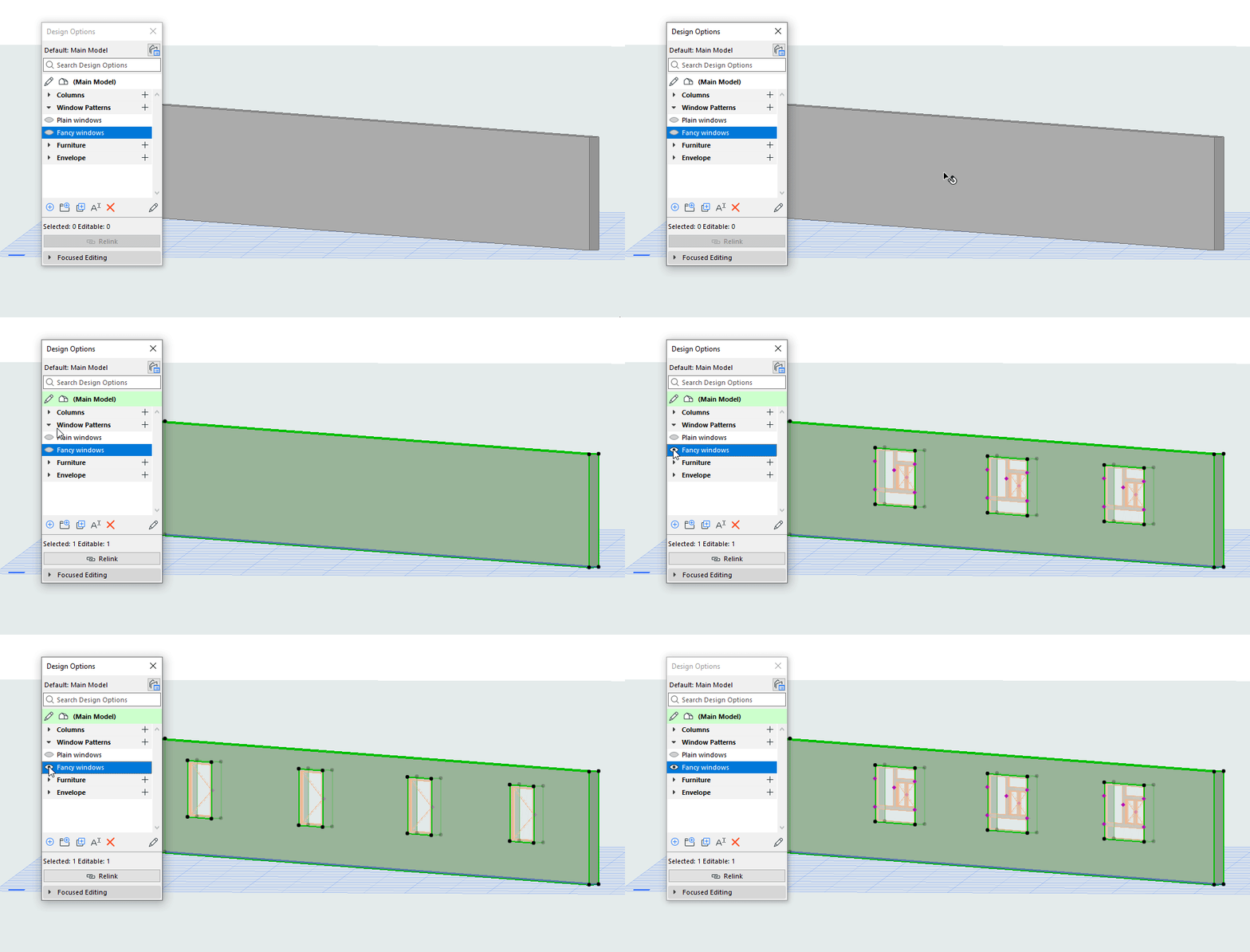
How to create variable Door/Window options
However, as long as the host Wall is part of the Main Model (instead of belonging to an Option), you can create several Options with different window patterns.
Skylights in Roofs work the same way as Doors and Windows in Walls.