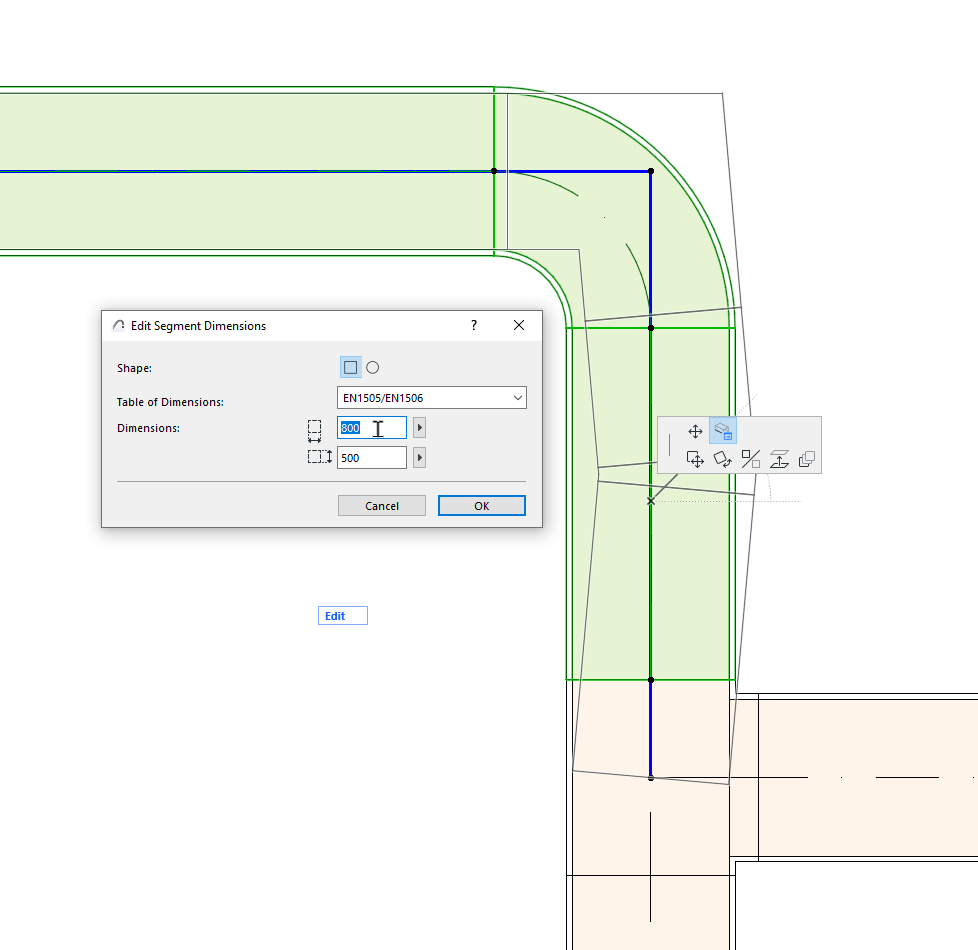
Edit segment diameter - with pet palette
Change the diameter of a route segment (duct, pipe, or cable carrier).
1.Select a route
2.Click the reference line of the segment you want to edit
3.From the pet palette, choose Edit Segment Dimensions.
4.In the dialog, you can edit the segment shape (ducts only); its Table of Dimensions; and the segment dimensions.
5.Click OK to update the segment in the model.
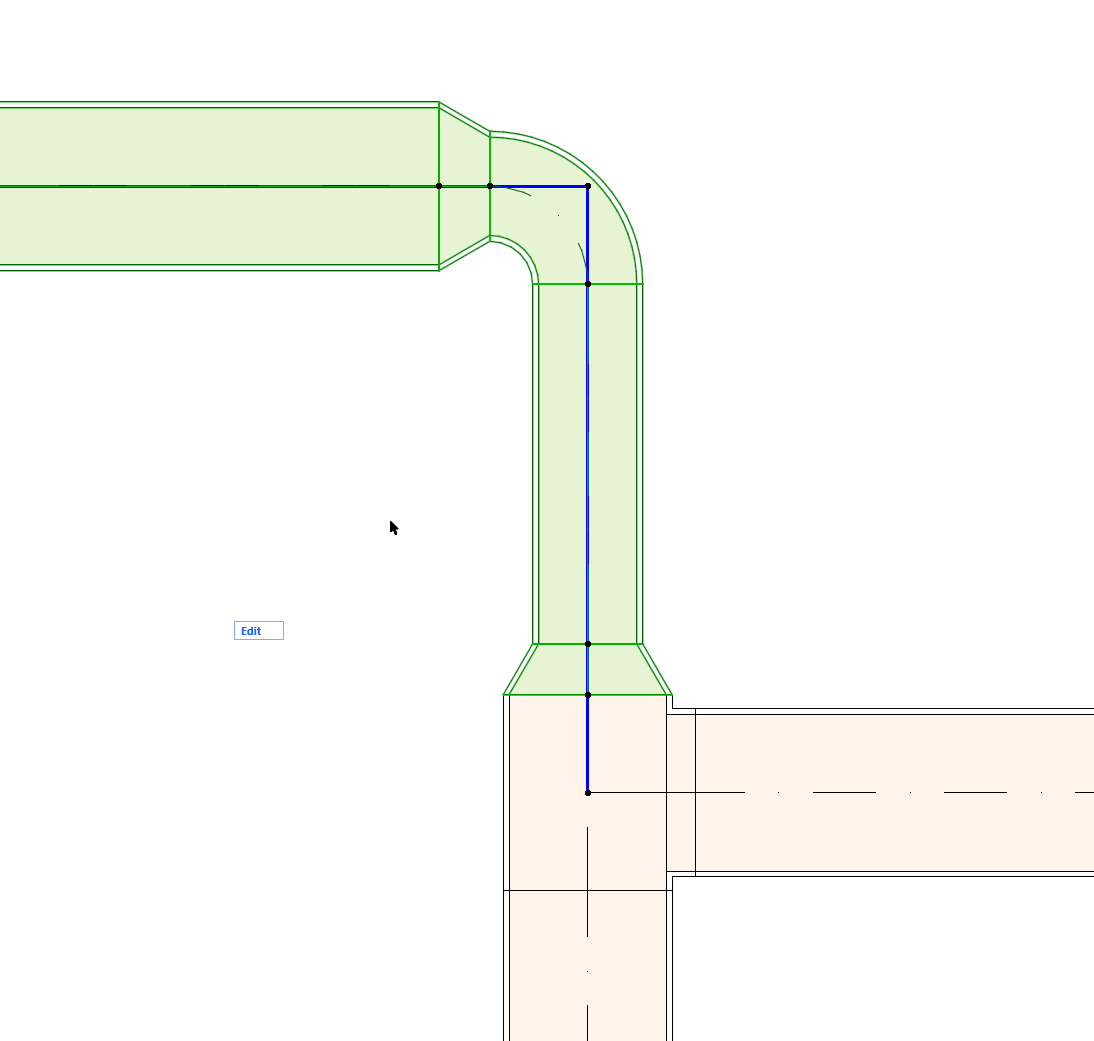
The available dimensions refer to the selected the Table of Dimensions (defined at Options > Project Preferences > Route Specifications.)