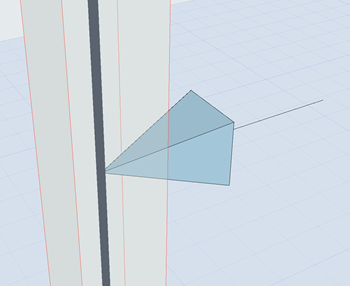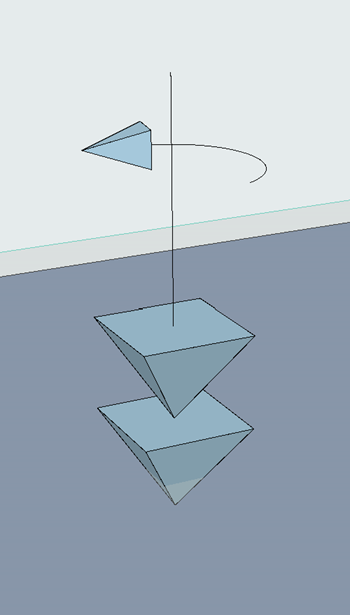
Point Loads can be input on:
•1D Members (node or edge)
•2D Members (node, edge or surface)
1.Activate the Structural Point Load tool.
2.In Tool Settings or Info Box: Select a Load Case (see Load Tool Settings).
3.While you place the Load element, the potential host element (Structural Analytical Member) is highlighted. You also get a preview of what the Load will look like after placement.
Note: If you are hovering over multiple host elements, use tab to cycle among them until the right one is highlighted.
4.Click to place.
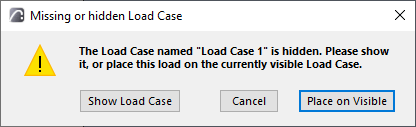
Note: Loads are visible only if they belong to the currently visible Load Case. If you try to place a Load element that does not belong to the currently visible Load Case, you get a notification.
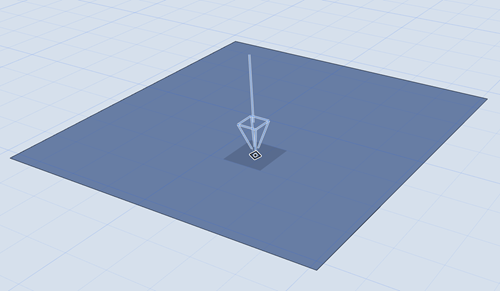
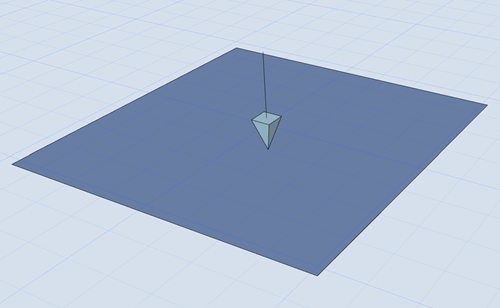
Placing a Point Load
|
|
|
|
Point Force |
Point Moment |