Import Properties and Classifications with IDS
Introduction
The Information Delivery Specification (IDS) is a standard developed by buildingSMART for defining information requirements in an easily understandable way for humans and computers.
Use this workflow to import a valid IDS file to Archicad and automatically generate classifications and properties without having to create all of them manually.
As a result, when you export from Archicad to IFC, the exported file will contain all of the IDS-standard property and classification data.
As a general rule, the Import IDS process only adds new things and does not change existing items.
How to import IDS data
1.Go to File > Interoperability > IDS > Import IDS
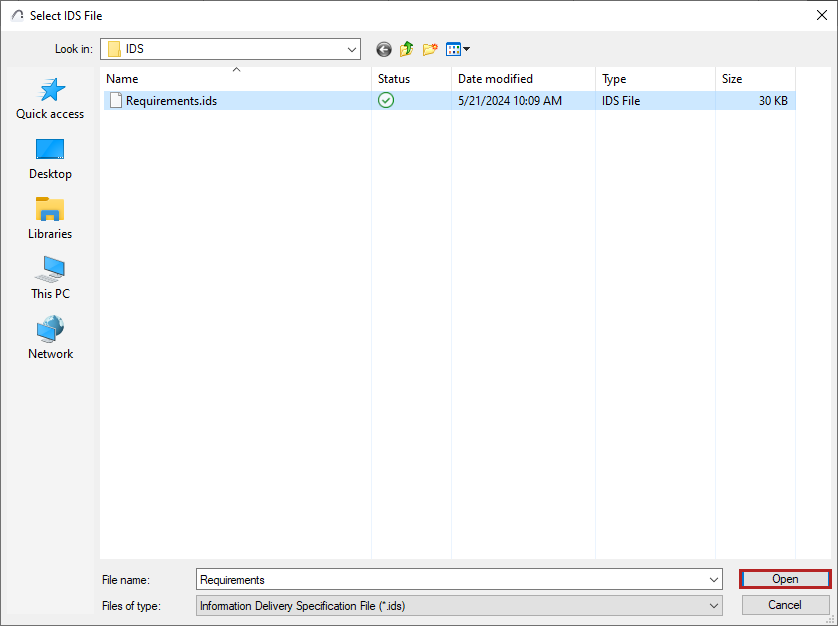
2.In the appearing dialog box, select the IDS file you would like to import and click Open.
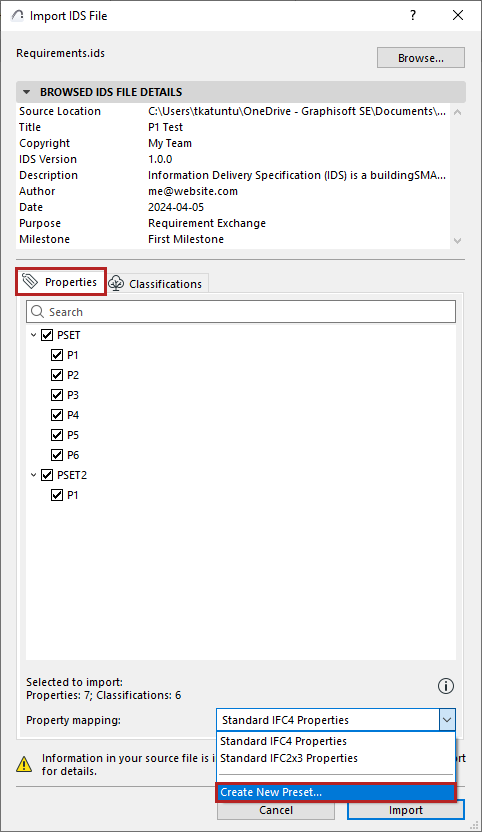
3.The Import IDS File dialog shows a list of all valid properties and classifications in the IDS file. They are listed even if some of them already exist in Archicad. However, upon import, properties and classifications that already exist in Archicad will not be modified.
4.From the pop-up, choose an IFC Property Mapping preset. You can also create a new IFC preset. Imported properties are automatically loaded into the chosen Property Mapping preset.
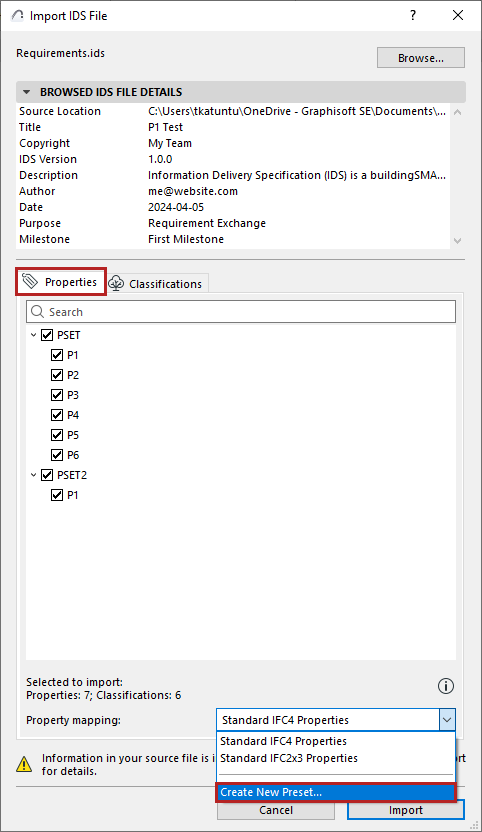
5.Select the properties and classifications you want to import.
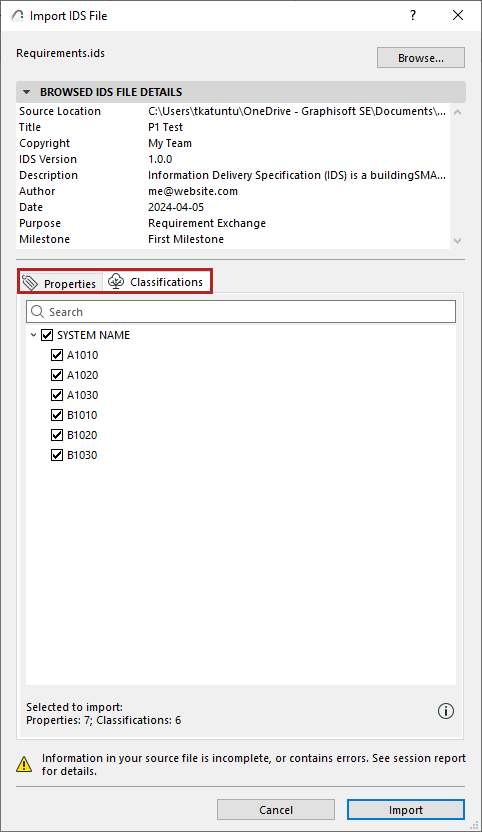
6.Click Import.
Once the import process is finished, the results are published in the session report. Even if there were some errors in the file, the Import add-on will extract the data as far as possible.
Read more on Graphisoft Community: IDS Support