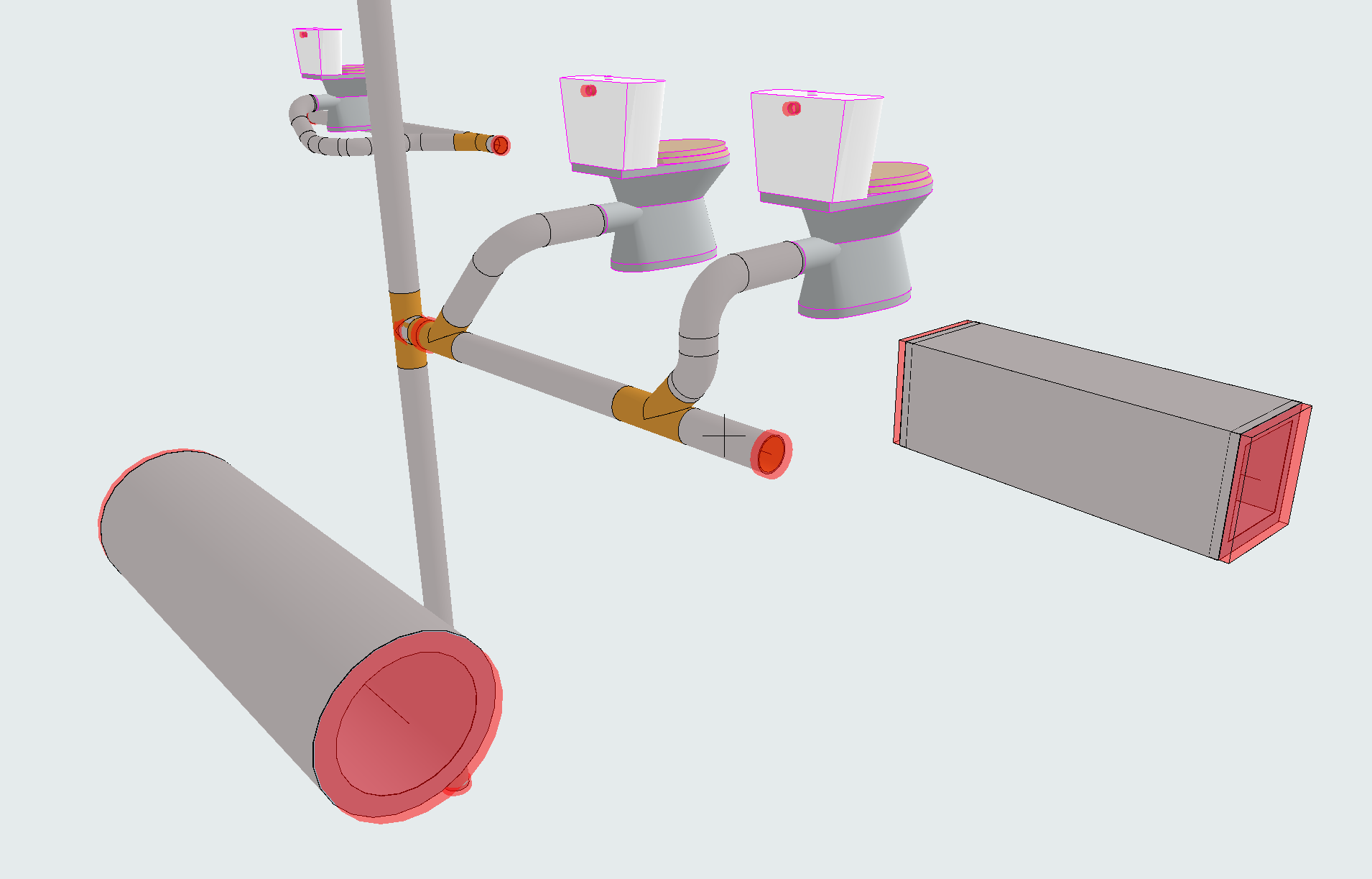
Easily locate open MEP connections
Feedback on open MEP connections can alert you to parts of the model that still require connections or other modeling tasks.
In the latest MEP Designer, the “Open MEP Connections” on-screen view option highlights these areas in Section and 3D views as well as Floor Plan:
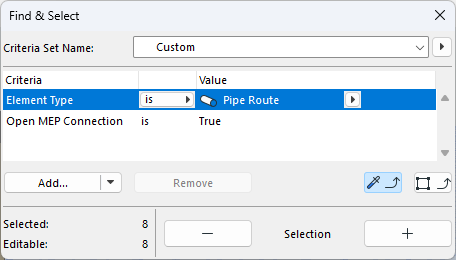
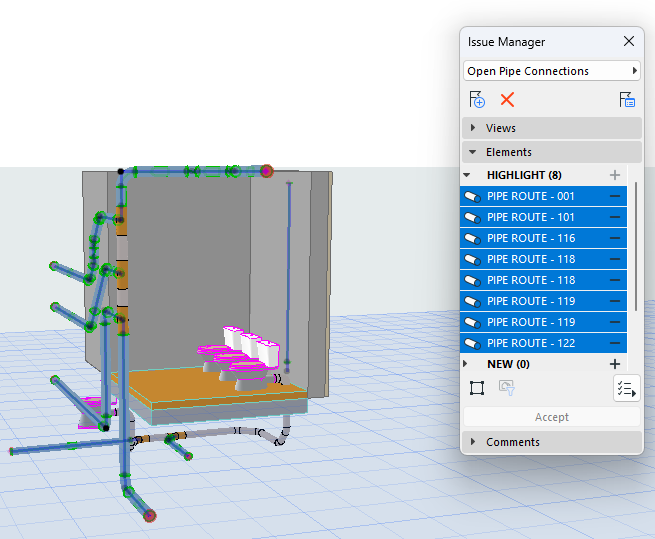
Use Find & Select to navigate to them easily, and manage them as Issues:
To see open ends and connections in 2D/Section or 3D views, turn on Open MEP Connections at View > On-Screen View Options. Open connections are circled in 2D or Section, and shown with a red highlight in 3D.