Slopes are essential for the effective functioning of pipes in building systems.
With MEP Designer, it’s now easier to edit the slope while maintaining connections, with clear feedback on slope value and direction.
Faster slope input
•Jump into the Tracker and type your slope directly - no need to “unlock” the slope control
•Intuitive slope direction: up, down, or none - with new graphical icon
•Newly added route segments or branches will also inherit the route’s slope
•Even after adjusting slope, you can change the z-coordinate and continue the route at the new height. Tracker displays current z-coordinate at cursor position during input
•When you adjust the slope in an existing pipe network, the vertical pipes remain vertical, as they should - only the horizontal or sloped pipes are adjusted
•New route segments (added after a branch, open end, or bend) inherit existing slope value
Adjust slope of existing route system
Adjust slope values of already modeled route elements - at branch, elbow, connection - while keeping the existing elements at a fixed elevation
On-screen slope feedback
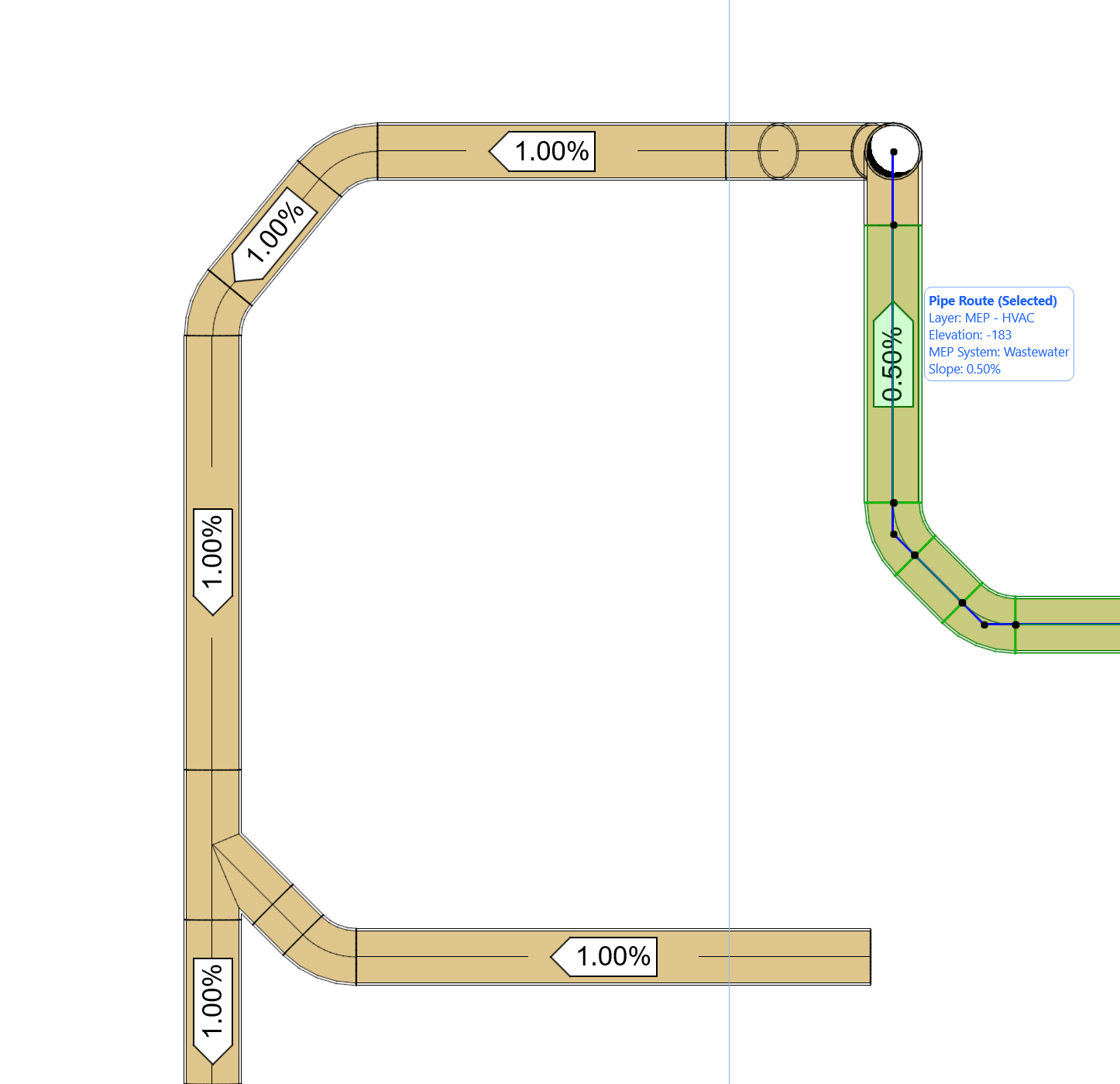
Turn on MEP Slopes at View > On-Screen View Options.
•On the Floor Plan, you see the direction and value of the route slope
•For a selected route element, the Info Tag also displays the slope value
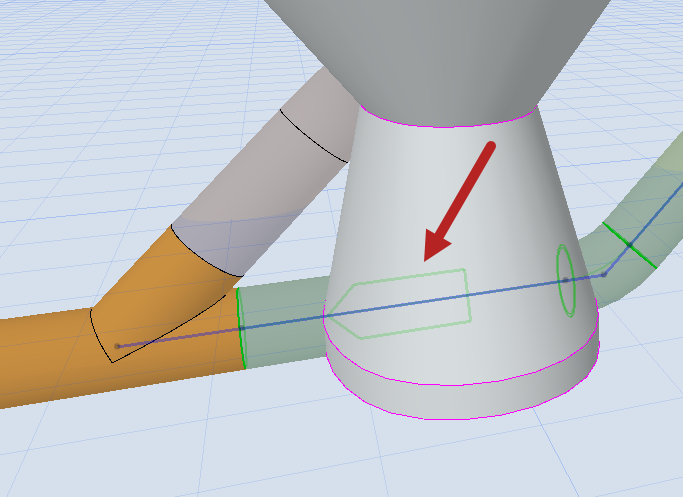
In 3D and Section views, selected route elements display a green arrow to indicate the slope direction: