Hydronic Systems and calculations in System Browser
The expanded System Browser now covers water/wastewater systems and heating/cooling systems in addition to ventilation systems.
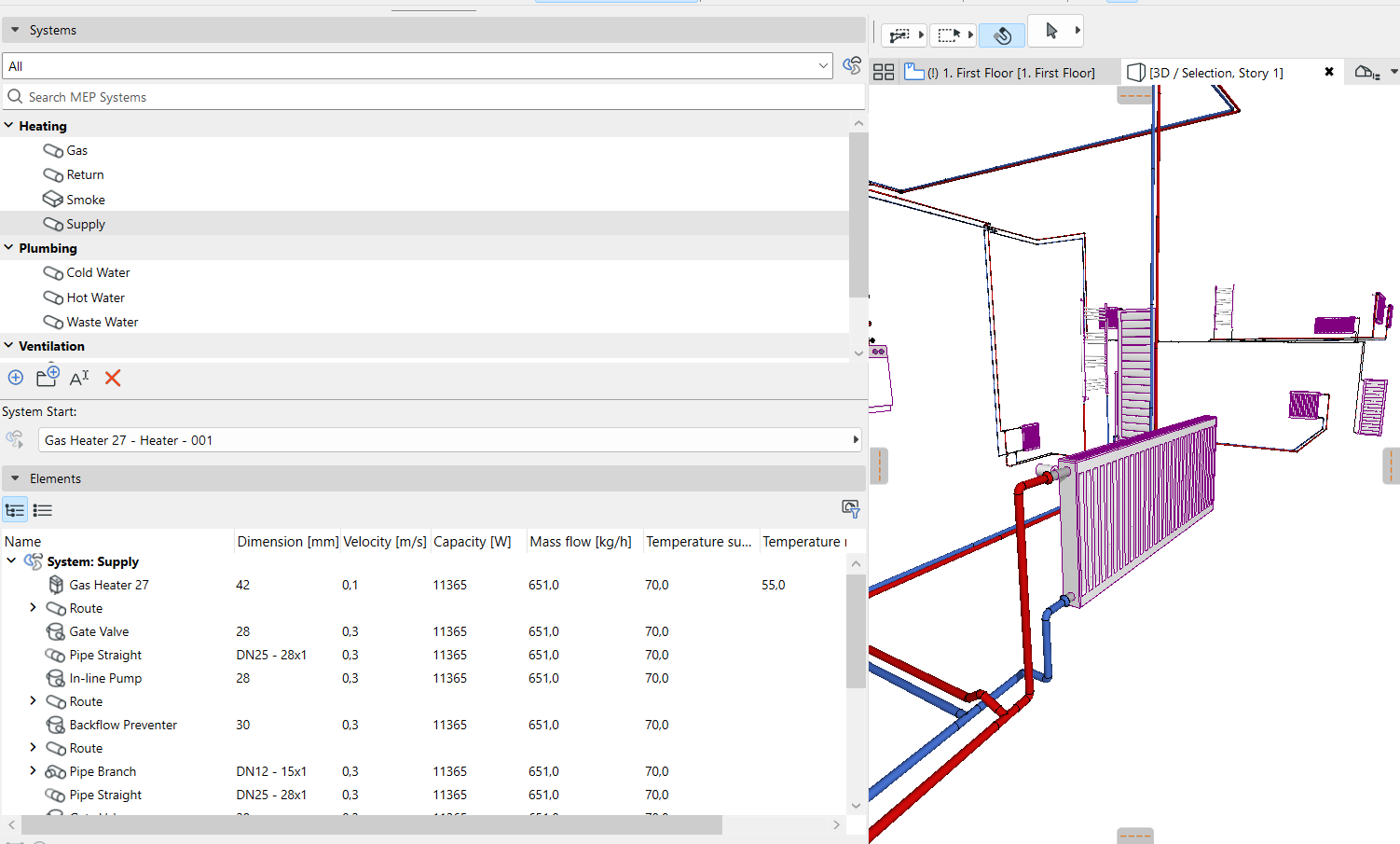
For hydronic systems, the System Browser provides runtime calculation and display of data for hydronic systems (capacity, mass flow and velocity) in table form.
Note: Calculation functions for MEP Designer are available with cloud licenses only.
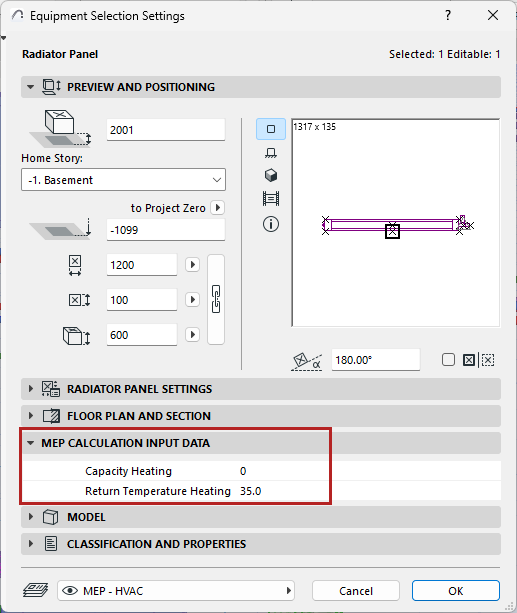
•Set capacity and return temp values for heating equipment (in element settings or Info box):
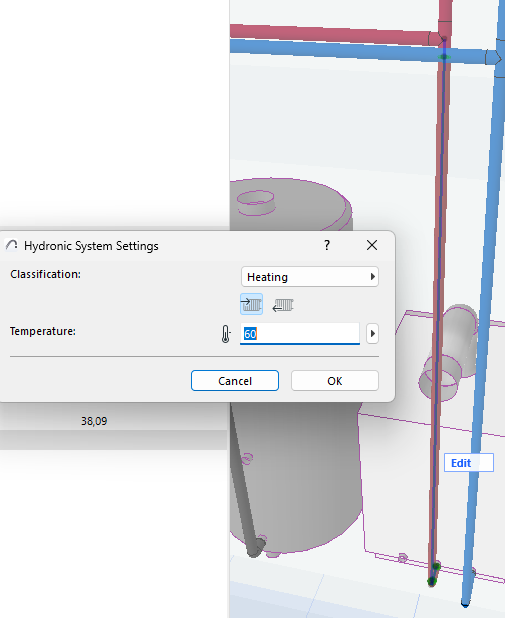
•System level: Define temperature for Hydronic System (heating)
Note: Calculation of cooling systems is planned for a later update.
System Browser displays runtime calculation and data for hydronic systems (capacity, mass flow, and velocity), based on element dimensions and capacity data for hydronic equipment.
Resize Hydronic Systems with heating/cooling size optimizer
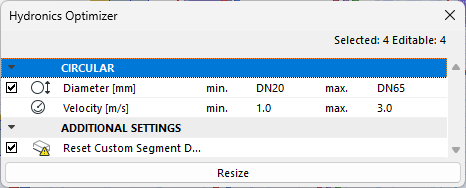
The Hydronics Optimizer resizes all heating pipes based on minimum and maximum diameters, as well as minimum and maximum velocity. (The next update will add resizing for cooling systems.)
•Select routes to resize, then open Hydronics Optimizer (MEP toolbar, or Window > Palettes)
•Define value ranges for pipe dimensions and velocity, then click Resize