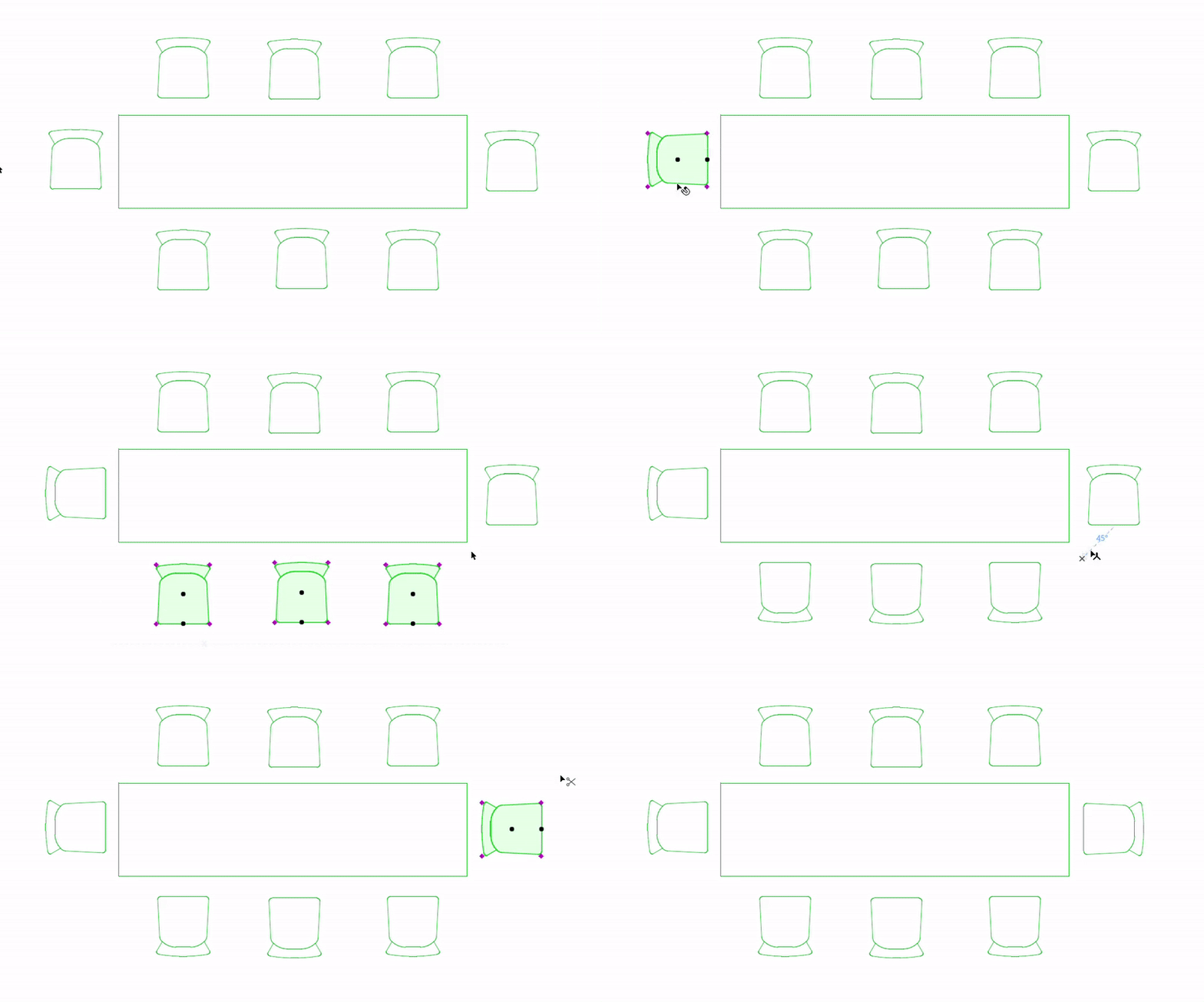
With a customizable shortcut, quickly and easily rotate a selection of elements in 90 degree increments, in either a clockwise or counter-clockwise direction - with a shortcut available for either direction. This new shortcut saves you 4 steps as compared with the regular Rotate command.
For example, I have a dining table, and I’ve placed chairs around it quickly in the default position. I’d like to rotate all the chairs to face the table.
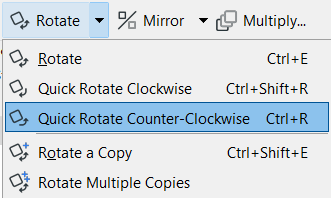
Use Ctrl/Cmd + R to rotate the chair 90 degrees (add Shift to rotate the other way).
Access these commands from the Edit > Move menu or the Drag Elements toolbar: