Note: This workflow applies to users with a cloud license.
Your cloud license is not tied to any specific device - but you can only use the license on one device at a time. When you are finished working on one device, release the license: This will free up your license for the other device.
If you stay signed in on the first device and start the program on a second device, you can’t continue until you release the license from the first device. You can do this remotely - no need to physically access the first device.
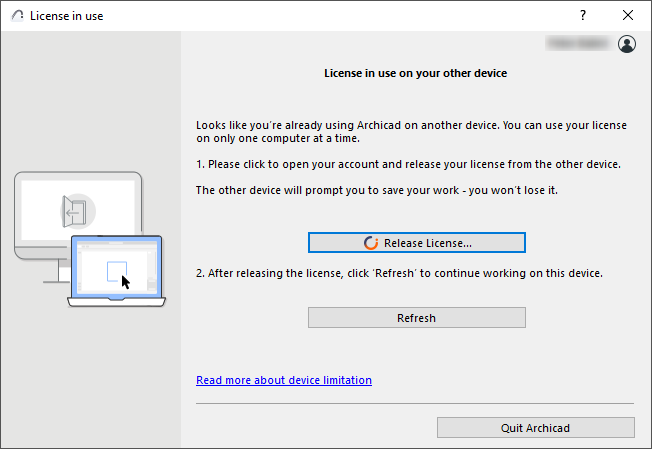
When you try to start the program on the second device, you get this dialog. Click Release License.
This takes you to your Graphisoft account site. Use the Licenses page to release the license from the first device. Then you can use your license on the other device.