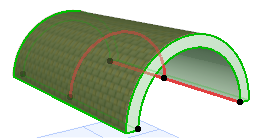
Simple Extruded Vault: Parallel to the Floor Plan
Use this method to place a vault-shaped Shell profile, then extrude it graphically.
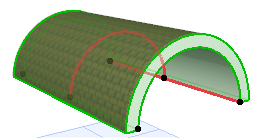
The Shell’s profile here is always a half-circle (vault). (You can edit the profile later.)
1.Activate the Shell Tool and choose the extruded geometry method with simple input method.

On the Floor Plan or 3D Window:
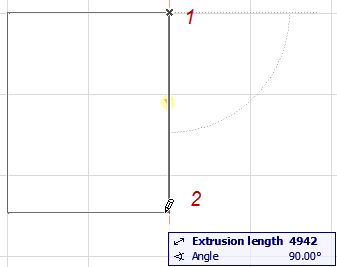
2.Click twice to define the Shell’s extrusion length.
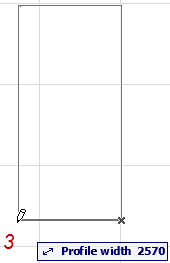
3.Click a third time to define the width of the Shell Profile.
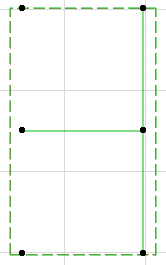
4.The Shell is complete.