Options for Editing Ruled Shells
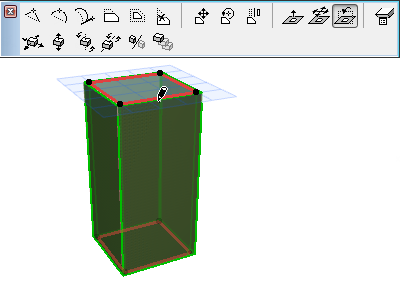
The Ruled Shell has two profiles. One end of the first profile is distinguished by a larger hotspot; this represents the Shell’s base height.
Here are some editing possibilities for either profile:
•Continue Profile
For example, extend the straight-line profile to make that end of the Shell wider.
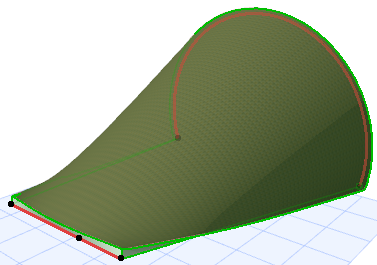
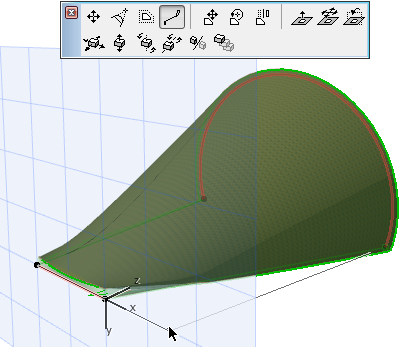
•Curve Edge
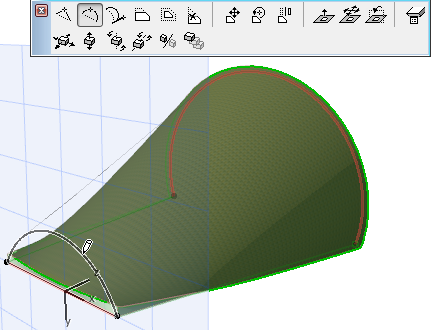
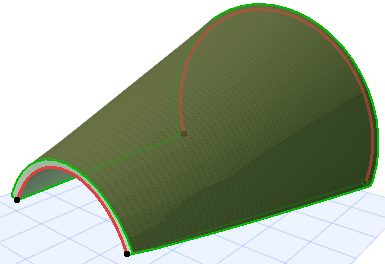
•Drag Profile
Use this command to drag the profile within its own plane, in horizontal and/or vertical directions, to a new location.
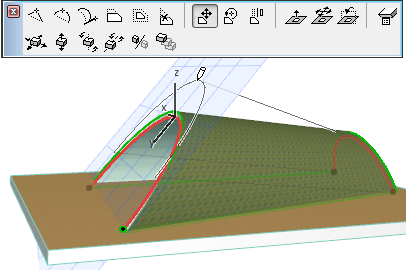
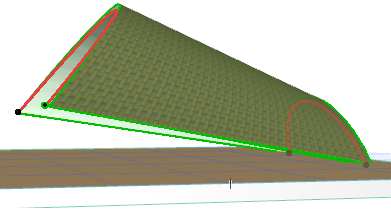
•Rotate Profile
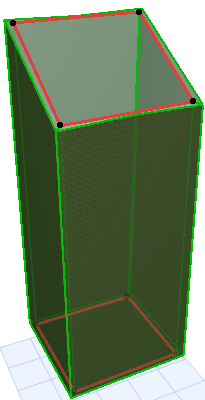
Use these commands to rotate the selected profile in space.
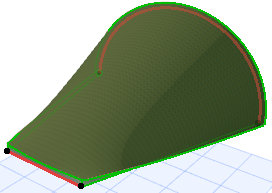
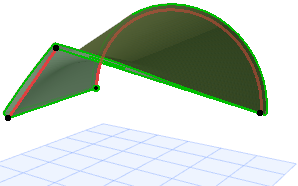
•Elevate Profile Plane
Here you move the entire plane of the profile in the vertical direction.
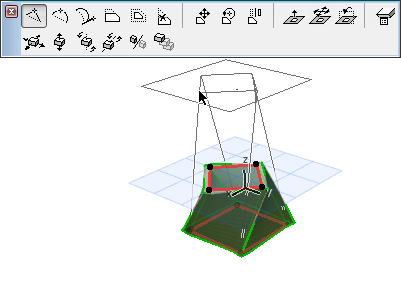
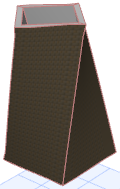
•Drag Profile Horizontally
Here you take the profile plane and drag it horizontally.
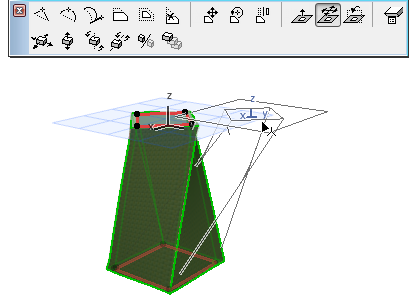
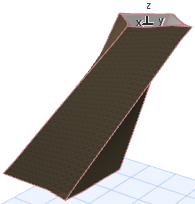
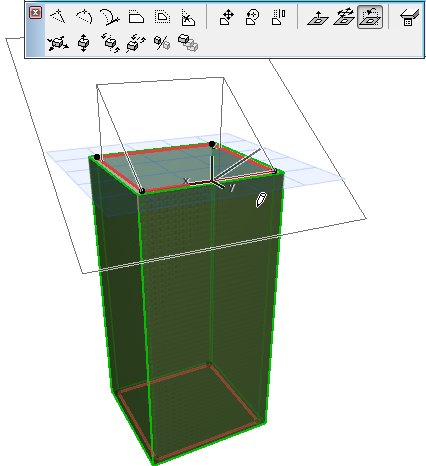
•Turn Profile Plane
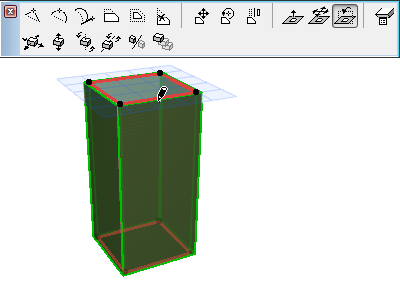
Click to enter the turning point. Then move your cursor to define the turn direction, and click to complete.