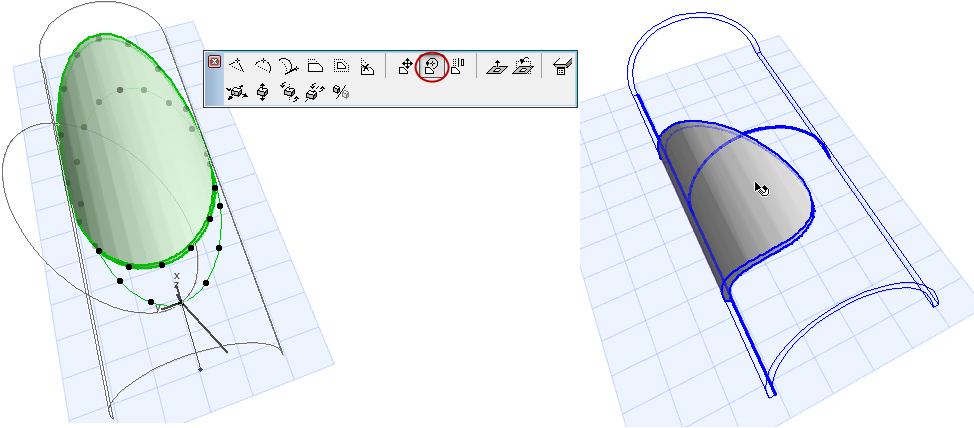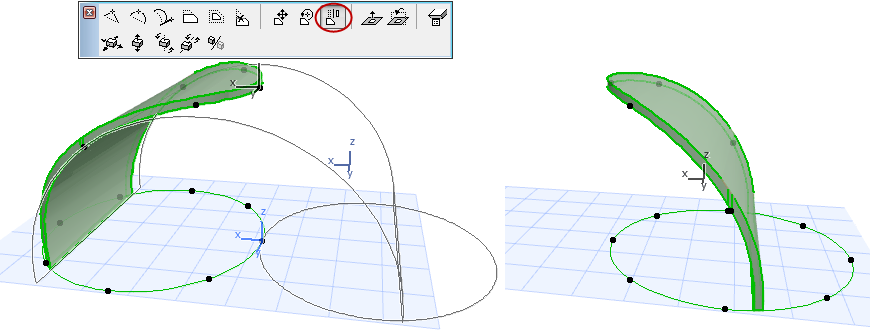
The Shell’s contour polygon, and the plane of this contour polygon, are editable.
Select Contour Polygon
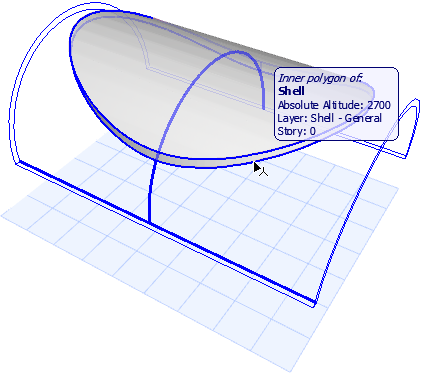
To edit the contour, you must select the contour polygon itself, not the Shell. Move the cursor to the edge of the contour and make sure that the Info Tag indicates that the Shell’s Inner Polygon is going to be selected.
Offset Contour Polygon
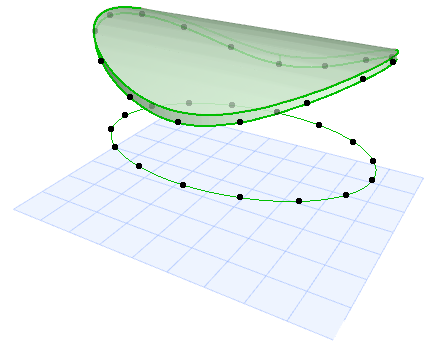
Before you edit the Shell contour, it may be helpful to offset the contour polygon, so that it is easier to do your editing. Select the Shell contour, then choose Offset Contour Polygon from the pet palette. Offset to the desired location.
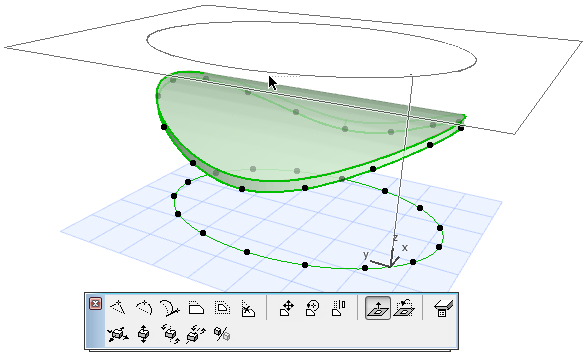
Turn Contour Plane
By default, the plane of the contour polygon is parallel to the Floor Plan. Use the Turn Contour Plane pet palette command to change this polygon plane. This may also affect the geometry of the Shell contour.
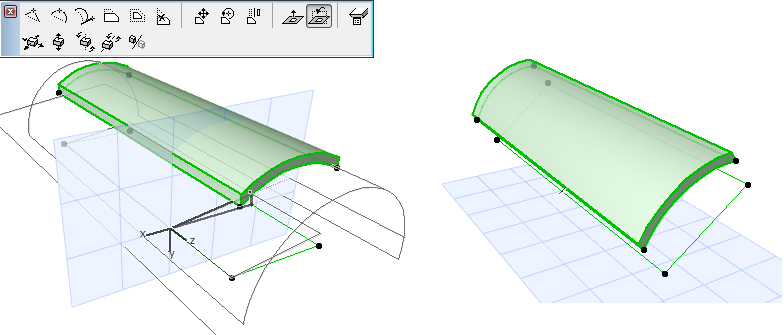
Drag Contour Polygon
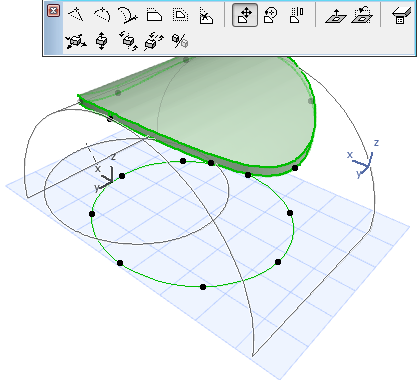
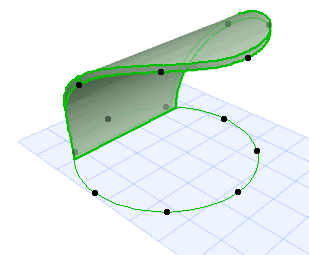
Rotate, Mirror Contour Polygon