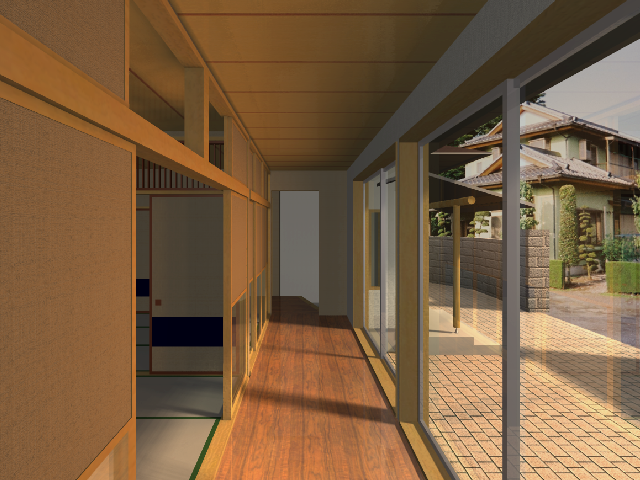
The handling and behavior of Windows and Doors are quite similar, therefore they will be described together.
In Archicad Doors and Windows are always placed into walls. They cut real, see-through openings into the wall, so that 3D visualizations are more accurate and lifelike. The glass surface lets light in and you can look through the Windows and glass Doors in PhotoRendered views.
In elevations, glass panes are represented as solid shapes.
The geometry of Door or Window is defined by the information included in the Library Part.
Open Door or Window Settings and choose from the loaded libraries. Use the Settings dialog to adjust the parameters as needed.
For information on setting parameters of Doors and Windows, see Door/Window Tool Settings.
Archicad has separate tools for Corner Windows and Skylights. See these sections:
Floor Plan Display of Doors/Windows
Setting the Window/Door Plane in Slanted or Complex Walls