Relevant for Wall, Slab, Roof, Shell, Morph, Mesh, Beam, Column.
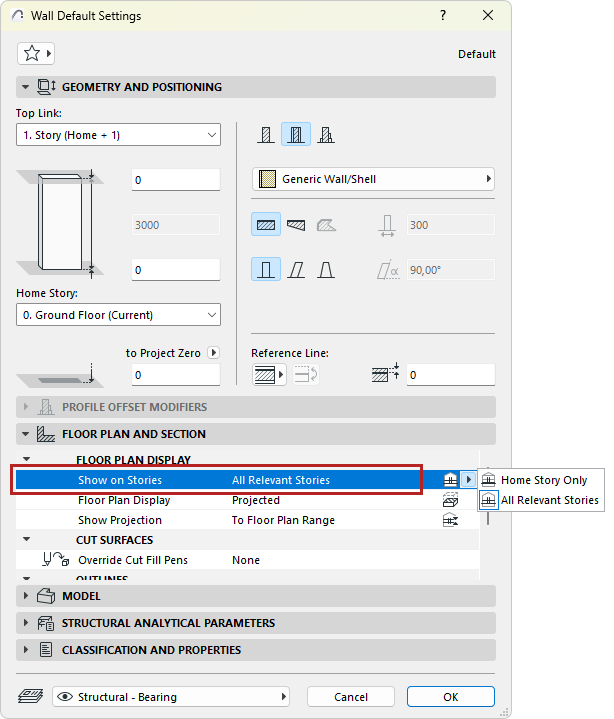
Use the Show on Stories pop-up in the Floor Plan and Section Panel of Tool Settings to control the display of construction elements by story.
The available options differ by element.
Home Story Only
The element will be shown only on its Home Story. (If the element is drawn so that it does not physically intersect its Home Story, then the only way the element will be shown on the Floor Plan is if you set its Floor Plan Display to one of the symbolic options: Symbolic Cut, Outlines only, Overhead all.)
See Home Story.
All Relevant Stories
The element will be shown and editable on all stories which it physically intersects. When available, this will be your preferred option most of the time.