Order of fields displayed
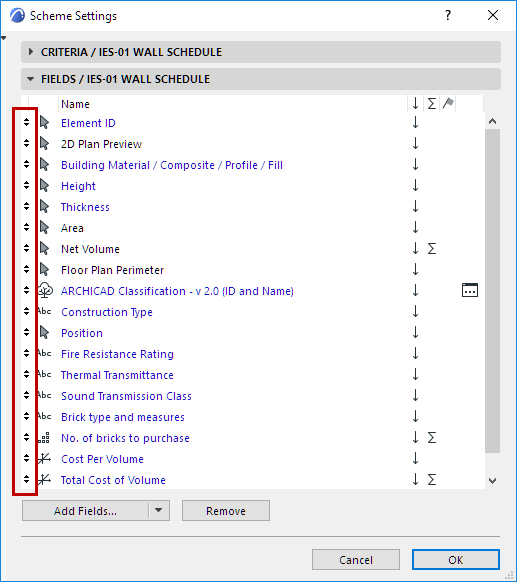
To change the order in which fields are listed in the schedule:
1.Open Scheme Settings
2.Use the up/down arrows at the left edge of each row to move the field up or down.
Sort by value (ascending/descending)
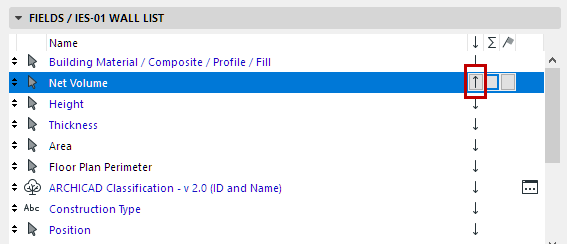
For each listed field, click its up/down arrow item to sort its scheduled values in ascending/descending order; or leave the arrow item blank, for “None”.
“None” means that this field will not be taken into consideration when sorting.
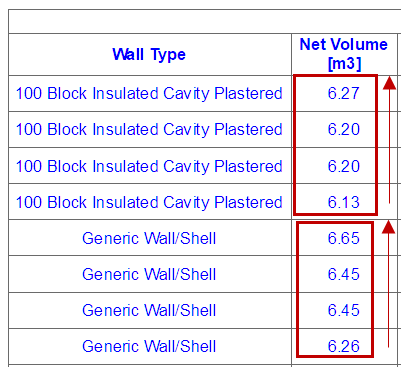
In this example: The “up” arrow is set for the Volume field. The listed walls that are of the same structure type will be listed in order of their volume (top value the highest).