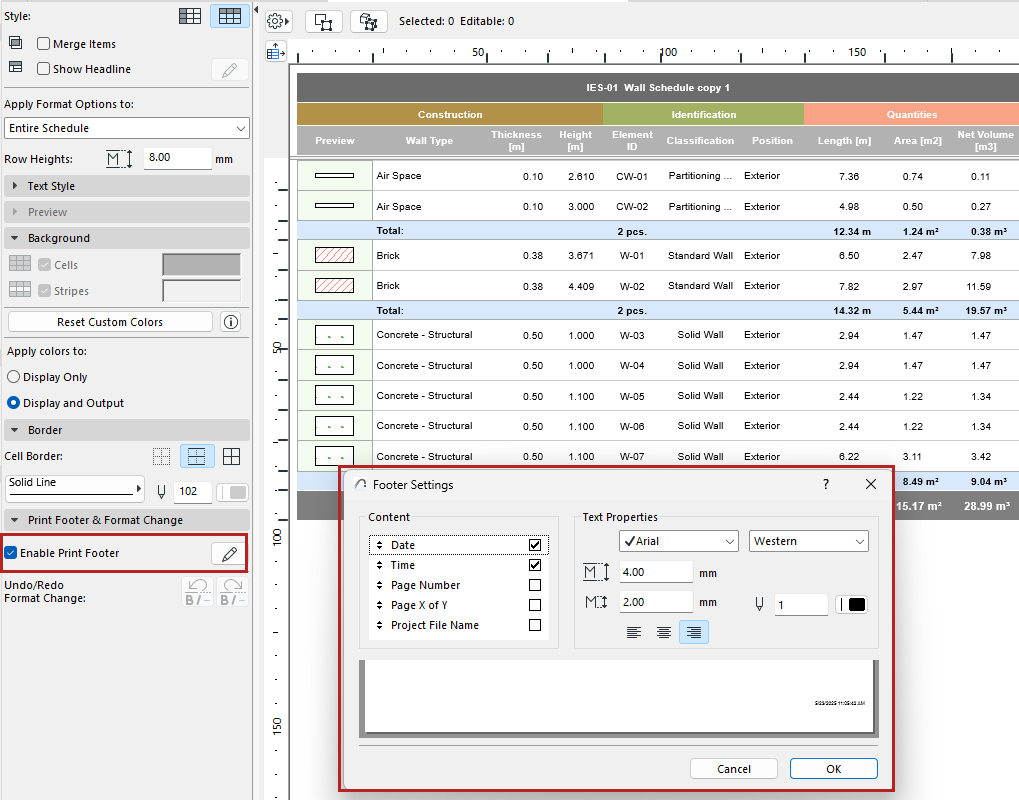
In the formatting palette of the Interactive Schedule window:
1.Check Enable Print Footer to add a print-only footer to the schedule.
2.Click Edit to open Footer Settings and define the Footer.
–Content: Check the items (such as Date and Time) to display in the print footer. Drag them up and down to modify the order.
–Set text format options for the printable footer. Use the preview at the bottom as a guide.