Displaying values in merged fields
For each field in a merged schedule, define which value to display.
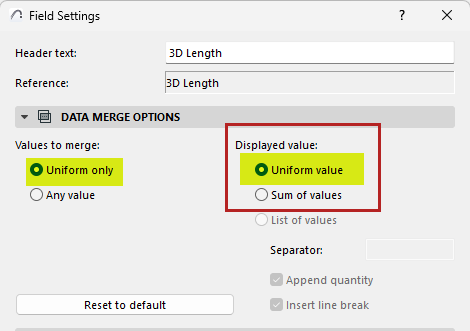
I want to show the single uniform value:
This option is relevant if a merged field contains uniform values.
1.For the merged field, open Field Settings:
• Click the Field icon from inside the cell, or the Field Settings button at the top of the schedule
2.Under Displayed value, choose Uniform value:
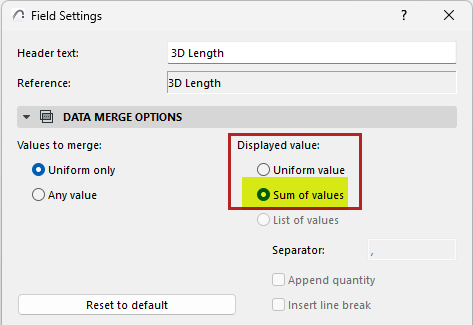
I want to add up the values of the merged field:
1.For the merged field, open Field Settings:
• Click the Field icon from inside the cell, or the Field Settings button at the top of the schedule
2.Under Displayed value, choose Sum of values:
I want to list each value separately:
1.For the merged field, open Field Settings:
• Click the Field icon from inside the cell, or the Field Settings button at the top of the schedule
2.Under Displayed value, choose List of values:
3.Customize how to display the value list:
–Enter a separator character: e.g. comma, vertical line
–Check Append quantity to show the number of each listed item
–Insert a link break between each listed value