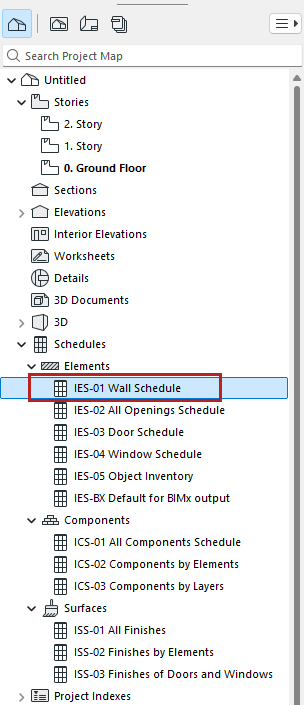
To open a schedule, double-click its name in the Navigator.
You can also access schedules through
•the Mini-Navigator Toolbar
•Document > Schedules
•Window > Navigate > Schedules
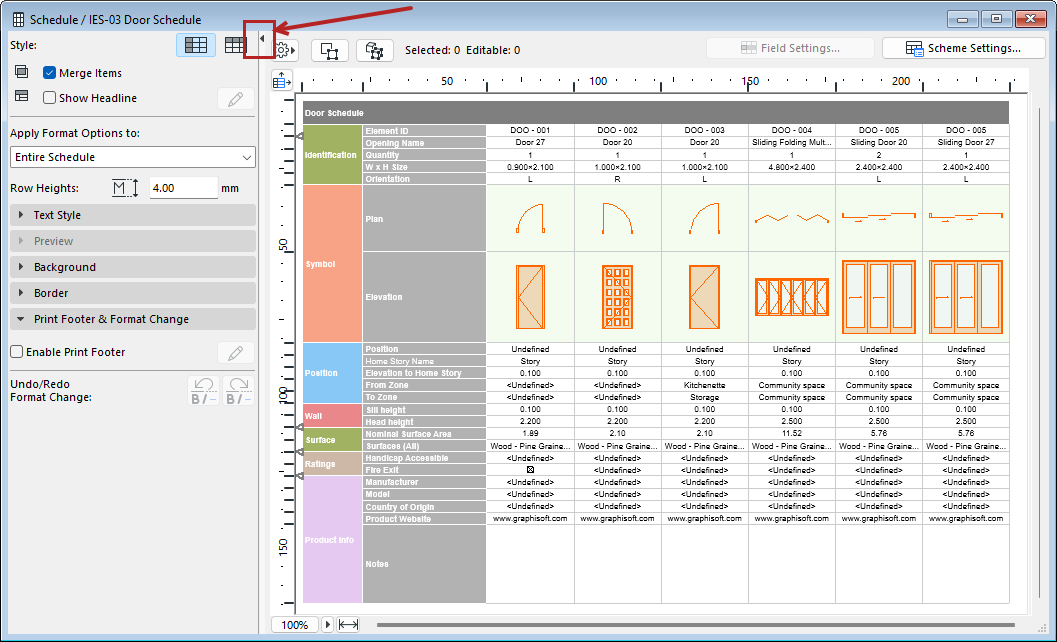
The schedule window opens. Formatting options are in the left column. To display the schedule only, without the formatting panel, click the black arrow on the dividing line.
Navigating in the Interactive Schedule Window
Move right or left: Enter, Shift+Enter
Move down or up: Tab, Shift+Tab