Fills are used to display elements and as components in Building Materials and Composite structures.
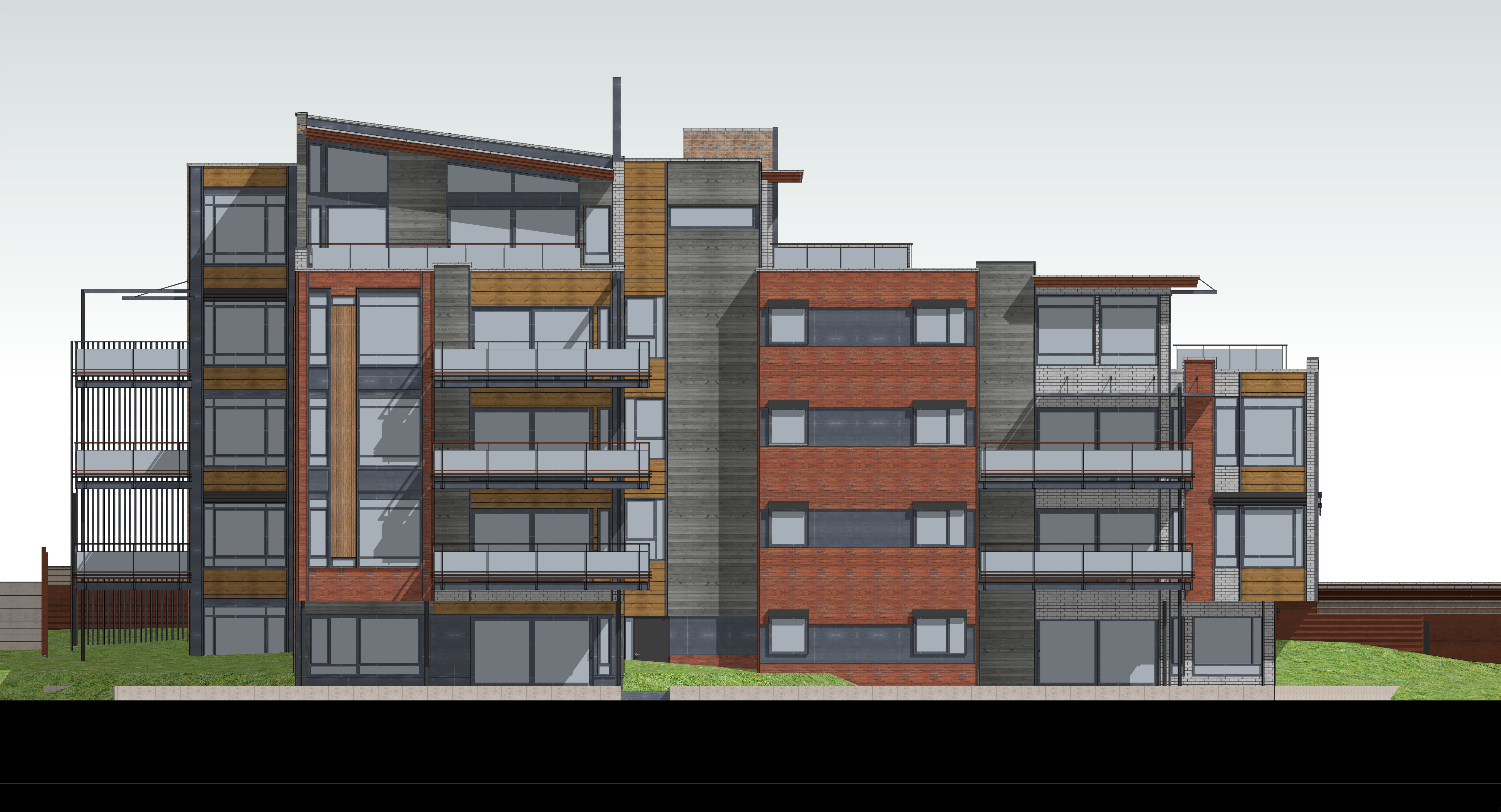
Use the Fill tool to draw freehand fills in the project - for example, to create patches in a Section or Elevation view.
Cover fills can be used to embellish surfaces.
Assign a Cut Fill (GDL Elements)
Display Vector Fills in project views