Create/duplicate Keynotes and Keynote folders
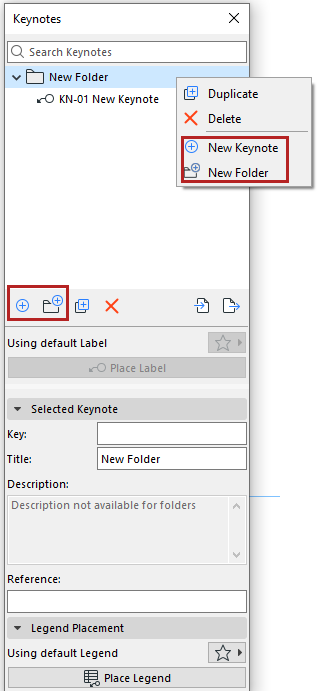
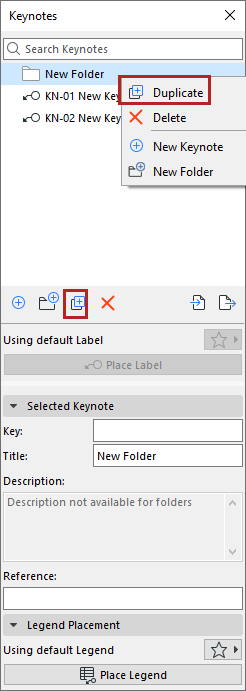
Use the buttons or context menus on the Keynotes palette.
•You can undo any of your actions
•Drag/drop Keynotes among folders and subfolders to organize them
•As needed: Expand or collapse all sub-items in a selected folder, using context menu commands
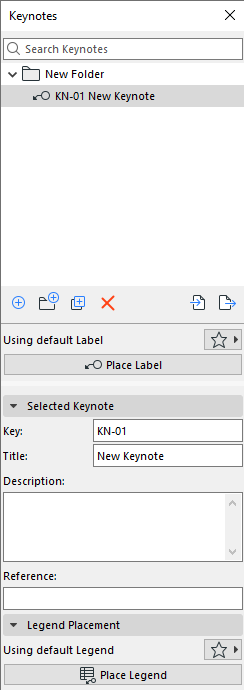
•The first Keynote automatically gets a default Key (letter + number). The next Keynotes are numbered sequentially.