Use the Place Label feature from the Keynotes palette, in several ways:
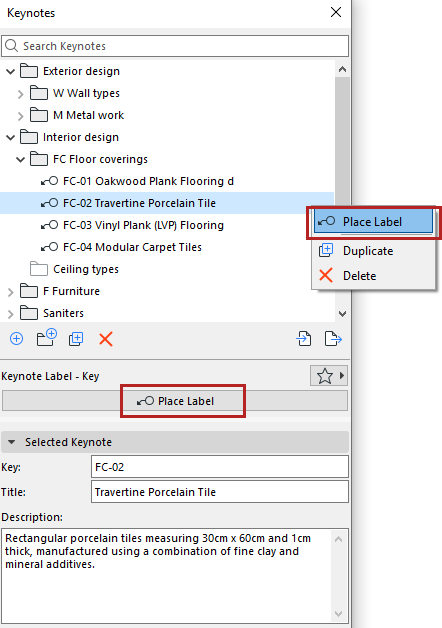
Select Keynote, Place Label
1.Select one or more Keynotes from the palette
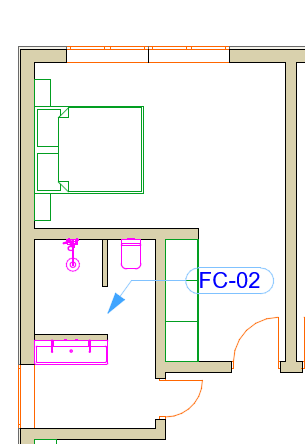
2.Click “Place Label” from the palette, or from the context menu
3.Click an element or anywhere in the drawing area
Double-click Keynote, click to place
1.Double-click a Keynote from the palette (single selection only)
2.Click an element or anywhere in the drawing area
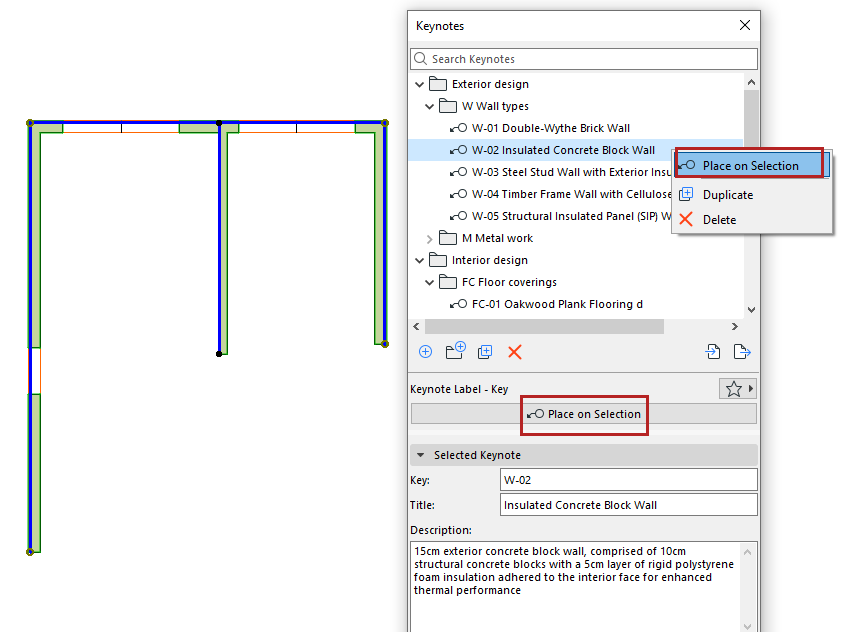
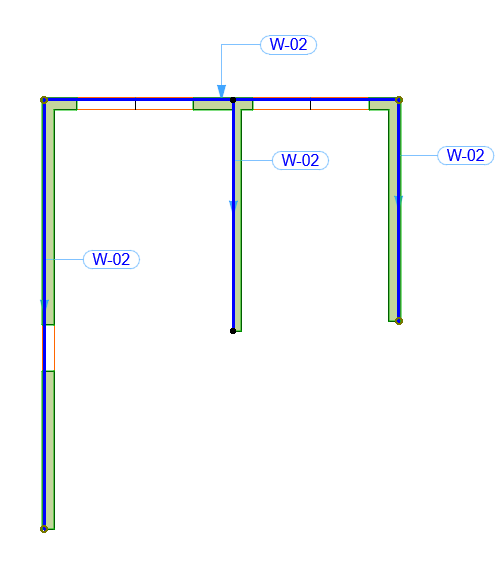
Select elements, then place Keynote
1.Select one or more elements from the model
2.Do one of the following:
•Click “Place on Selection” from palette or context menu
•Double-click a Keynote from the palette