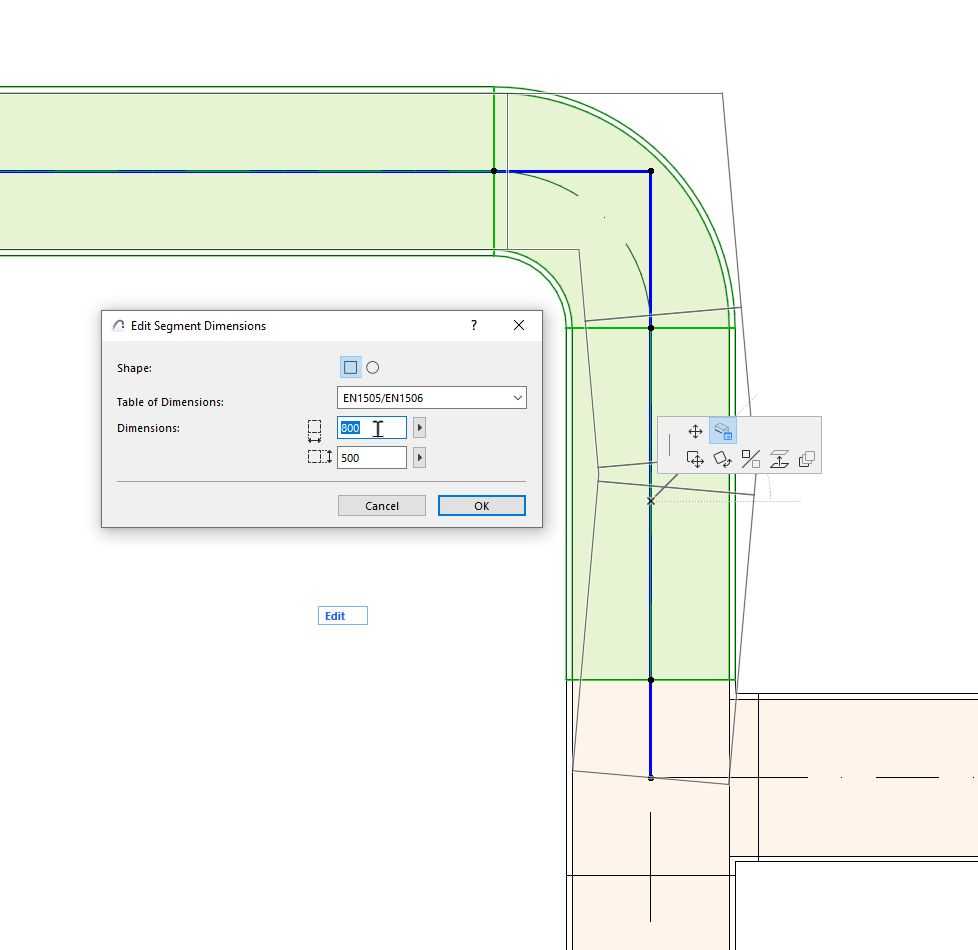
Edit segment diameter - with pet palette
Available with Archicad Collaborate
Change the diameter of a route segment (duct, pipe, or cable carrier).
1.Select a route
2.Click the reference line of the segment you want to edit
Note: Turn on MEP Reference Lines in 2D views at View > On-Screen View Options.
3.From the pet palette, choose Edit Segment Dimensions.
4.In the dialog, you can edit the segment shape (ducts only); its Table of Dimensions; and the segment dimensions.
5.Click OK to update the segment in the model.
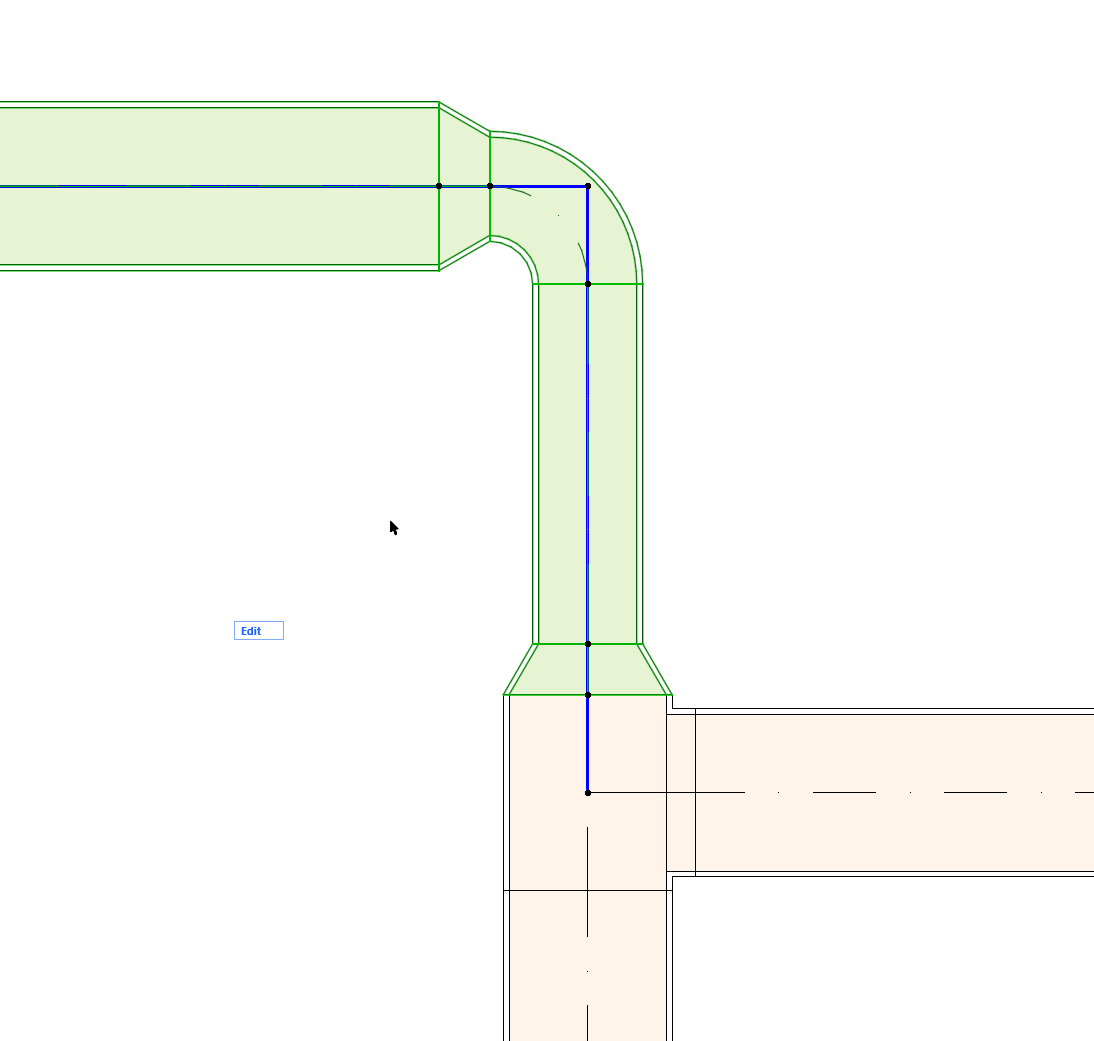
The available dimensions refer to the selected the Table of Dimensions (defined at Options > Project Preferences > Route Specifications.)
See also Duct Size Optimizer.